
Paying a Spectrum (Charter) bill fast, without hunting for a username or resetting a password, is exactly what the guest payment option is built for. Spectrum lets you settle a one-time payment using only the account number or the phone number on the account plus the billing ZIP code, so no login is required. This guide walks the exact guest quick-pay steps, the automated phone line, and the mail and in-store backups. Because bill-payers are the people actively watching this line item, it also shows the one honest way to shrink the bill going forward: dropping the monthly WiFi service fee by using your own router.
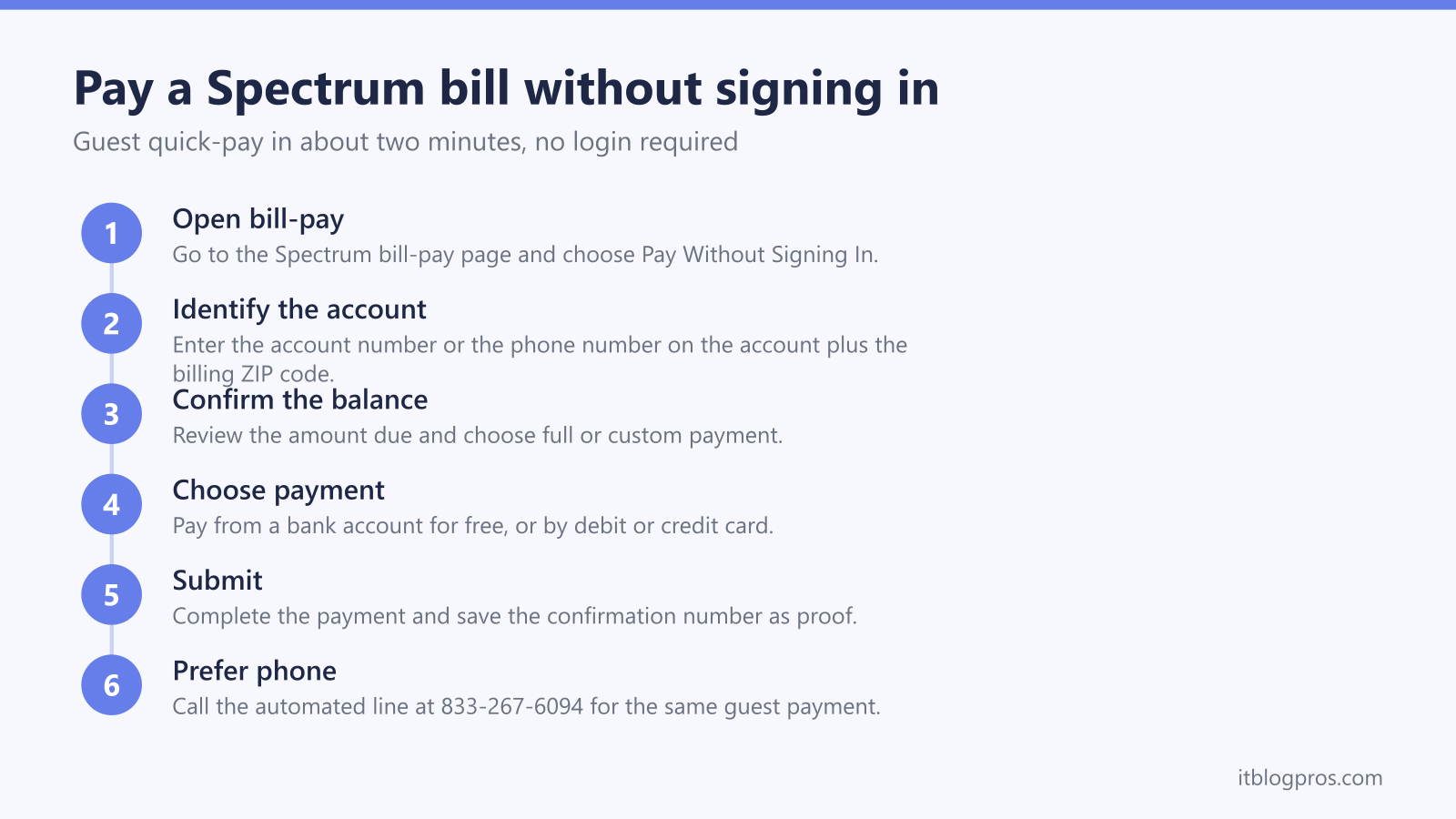
To pay a Spectrum bill without signing in, open the Spectrum bill-pay page, choose Pay Without Signing In, enter the account number or the phone number on the account with the billing ZIP code, confirm the balance, then pay by bank account, debit, or credit card. It is free online and takes about two minutes. The automated phone line at 833-267-6094 works the same way.
Key Takeaways
- Spectrum lets you pay as a guest with no login, using the account number or the phone number on the account plus the billing ZIP code.
- The fastest route is the online guest option, and the 24/7 automated phone line at 833-267-6094 is the backup when you would rather not use a browser.
- Paying online by bank account is free, and card payments are accepted, so keep the confirmation number as your receipt.
- Spectrum includes the modem at no charge, so there is no modem saving, but it does bill a monthly WiFi service fee of roughly five to ten dollars that you can avoid.
- Buying your own router or mesh system removes the recurring WiFi fee and usually pays for itself inside a year, so this page shows exactly when that swap makes sense.
What paying without signing in actually means on Spectrum
Spectrum's guest payment is a one-time checkout that never asks you to create or recover an account. It is the right tool for a quick emergency payment, for paying a parent's or roommate's Spectrum bill, or for anyone who simply does not want to manage a Spectrum.net login.
All you need on hand is three things:
- The Spectrum account number, or the phone number tied to the account.
- The billing ZIP code for that account.
- A payment method: a bank account with its routing number, or a debit or credit card.
That is the entire requirement. There is no password step, no security question, and no app download. The account number lives on the top of a paper or PDF Spectrum bill, and the phone-number lookup is an accepted alternative if the account number is not in front of you.
Step-by-step: pay a Spectrum bill as a guest online
The online guest flow is the quickest path and stays free when you pay from a bank account.
- Open the Spectrum bill-pay page. Go to spectrum.net and open the bill-pay area, or search for the Spectrum pay-my-bill support page. Look for the option labeled Pay Without Signing In.
- Identify the account. Enter the account number, or the mobile or phone number associated with the account, then add the billing ZIP code. Select continue.
- Confirm the balance. Spectrum shows the current amount due and the due date. Choose to pay the full balance or a custom amount.
- Choose a payment method. Pay from a checking or savings account using its routing number, or with a debit or credit card.
- Submit and save the confirmation. Complete the payment and record the confirmation number. That number is your proof of payment, so keep it until the charge clears.
The whole process usually takes about two minutes. Paying from a bank account online avoids card convenience fees, so it is the cheapest route.
Phone, mail, and in-person options without a login
If you would rather not use a browser, Spectrum's automated phone system does the same guest payment.
- By phone (automated, 24/7): Call 833-267-6094 and follow the prompts. Have the account number or the phone number on the account ready. This line accepts payments without any login.
- By mail: Send a check or money order and write the Spectrum account number on it so the payment posts to the right account. Mail is the slowest route, so allow several business days before the due date.
- In person: Spectrum stores accept walk-in payments, and third-party payment locations such as Western Union, MoneyGram, and some Walmart and grocery service desks may also accept Spectrum payments in your area.
- Through your own bank: Adding Spectrum as a payee in your bank's online bill-pay usually avoids any processing fee, though it can take a few days to arrive.
For an urgent payment that must post the same day, the online guest option or the automated phone line are the two to use.
Cut this bill: drop the Spectrum WiFi fee with your own router
Here is the honest money-saving part, and it matters to get right. Spectrum includes the modem at no monthly charge on standard internet plans, so unlike some providers there is no modem rental fee to cancel and no cable modem you need to buy to save money. Do not buy a standalone cable modem expecting a Spectrum saving that is not there.
What Spectrum does charge is a separate WiFi service fee. On many plans the in-home WiFi router runs roughly 5 to 7 dollars a month, and the Advanced WiFi upgrade is about 10 dollars a month. On the Internet Gig and 2 Gig tiers, WiFi is bundled in, so those customers already pay nothing extra.
If your bill shows a WiFi or Advanced WiFi line item, you can remove it by declining Spectrum's WiFi and connecting your own router or mesh system to the free Spectrum modem. Spectrum permits customer-owned routers, and there is no fee when you use your own gear.
- For strong whole-home coverage that also kills the fee, a mesh system like the eero Pro 6E or the TP-Link Deco X55 plugs into the Spectrum modem and replaces the rented WiFi entirely.
- At roughly 5 to 10 dollars a month saved, a router or mesh typically pays for itself within a year, then keeps saving after that. Our best modem for Spectrum guide explains why the modem is free and which router actually cuts the bill.
The logic here is the same buy-your-own principle that applies to other providers. If you are on a cable ISP that rents a combined modem-gateway, read why renting a gateway is the more expensive path to see how the math works when the modem itself is rented rather than included.
Fees, timing, and keeping your payment as proof
Paying online from a bank account is free on Spectrum. Card payments are accepted through the guest flow, and paying by card over an automated phone system can sometimes carry a convenience fee, so the website is the cheaper route for card payments.
Timing to expect:
- Card payments generally post within 1 to 2 business days.
- Bank transfers can take 2 to 3 business days to clear.
- The confirmation number appears immediately, which is why you should save it. It is the record that proves the payment was submitted on time, even if the funds take a day or two to settle.
If a service was interrupted for non-payment, a same-day guest payment through the website or the automated line is the fastest way to trigger reconnection.
When a full Spectrum account still makes sense
Guest payment is ideal for one-off and emergency payments, but a regular customer usually benefits from a signed-in account. Signing in unlocks AutoPay, paperless billing, saved payment methods, and the ability to see past statements and manage the plan.
AutoPay in particular removes the risk of a missed due date and any late fee that follows, and it stores your details so future payments are one tap. If you pay Spectrum every month, setting up the account once and enabling AutoPay is the lower-effort long-term choice. Reserve the guest quick-pay route for the times you are paying someone else's bill, paying in a hurry, or simply do not want to log in.
Check the eero Pro 6E mesh price on Amazon →
Check the TP-Link Deco X55 mesh price on Amazon →
More no-login bill-pay guides
The same guest-payment approach works across the other major US providers:
- Pay your AT&T bill without signing in (FastPay)
- Pay your Xfinity bill without signing in
- Pay your Verizon bill without signing in
- Pay your T-Mobile bill without signing in
- Pay your DirecTV bill without signing in
- Pay your Cox bill without signing in
- Pay your CenturyLink bill without signing in
- Pay your Frontier bill without signing in
- Pay your Optimum bill without signing in
Using any Amazon link on this site supports these free guides at no extra cost to you, whatever you end up buying. Browse current router and modem deals on Amazon.