
Most "best modem for Spectrum" guides quietly skip the one fact that decides whether buying gear saves you anything. Spectrum is not Xfinity or Cox. It does not rent you the modem. Every standard Spectrum internet plan includes a DOCSIS 3.1 modem at no monthly charge, so there is no modem rental line on the bill to cancel and no modem purchase that pays for itself. Buying a modem to "stop renting" from Spectrum saves nothing, because you were never renting one. What Spectrum does charge for is WiFi. There is a separate WiFi service fee of roughly seven dollars a month for standard WiFi, or about ten dollars a month for Advanced WiFi, and that fee is where the real money leaks out. The honest recommendation for Spectrum customers is therefore the opposite of the cable-modem playbook. Keep the free Spectrum modem, and buy your own router or mesh system to make the recurring WiFi fee disappear. This guide names the two mesh systems worth buying, shows the savings math in plain numbers, and explains the one narrow case where owning a modem too still makes sense.
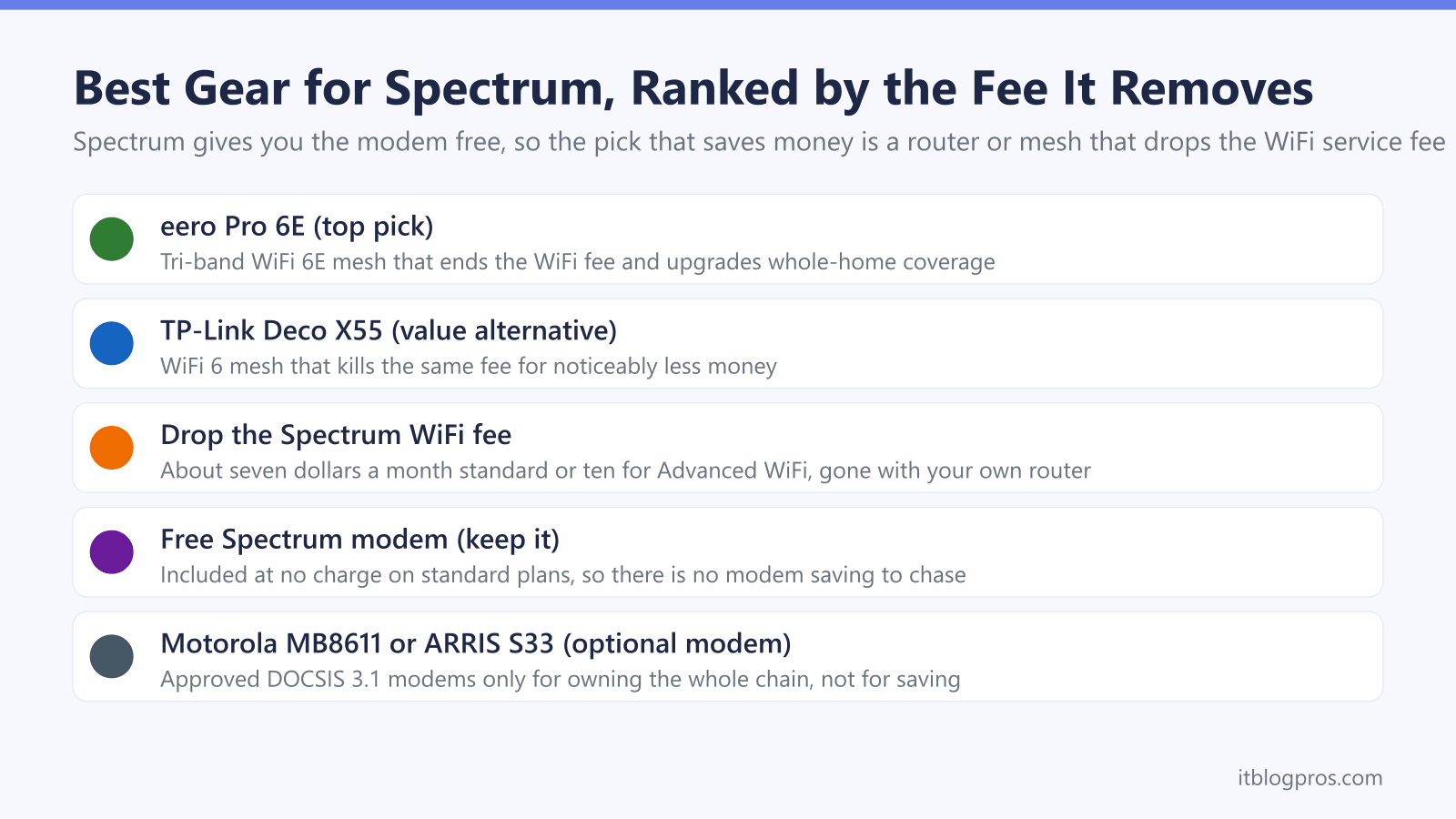
Spectrum includes the modem free on standard plans, so a customer-owned modem saves nothing. The recurring charge worth killing is the WiFi service fee, about seven dollars a month for standard WiFi or ten for Advanced WiFi. Connect your own router or mesh, such as the eero Pro 6E or TP-Link Deco X55, to the free Spectrum modem and the fee disappears.
Key Takeaways
- Spectrum includes the modem free on standard internet plans, so unlike Xfinity or Cox there is no modem rental fee to cancel and no modem saving to chase.
- The charge worth removing is the Spectrum WiFi service fee, roughly seven dollars a month for standard WiFi and about ten dollars for Advanced WiFi.
- Connecting a customer-owned router or mesh to the free Spectrum modem drops that WiFi fee and usually pays for itself within a year.
- The eero Pro 6E is the top pick for whole-home coverage and the TP-Link Deco X55 is the strong value alternative that still kills the fee.
- Buying a modem too is optional and only worthwhile for people who want to own the entire chain, using a Spectrum-approved model such as the Motorola MB8611 or ARRIS SURFboard S33.
The picks at a glance
| Product | Best for | Key specs | Price |
|---|---|---|---|
| eero Pro 6E Top pick | Dropping the WiFi fee and upgrading whole-home coverage at the same time | Tri-band WiFi 6E mesh, around 2,000 sq ft per unit | Check price → |
| TP-Link Deco X55 Value alternative | Stopping the WiFi fee without spending mesh-flagship money | Dual-band WiFi 6 (AX3000) mesh, three-pack covers roughly 6,500 sq ft | Check price → |
Spectrum Gives You the Modem Free, So There Is No Modem Saving
This is the fact that changes the whole recommendation, so it goes first. On the rent-a-gateway cable ISPs, Xfinity, Cox and Optimum, the modem-router gateway is a rental that runs about fourteen to fifteen dollars a month, and buying your own modem cancels that rental for a genuine saving. Spectrum works differently. Spectrum provides a DOCSIS 3.1 modem at no monthly charge with every standard internet plan, and there is no modem rental line on a Spectrum bill to remove. Buying a cable modem for Spectrum therefore saves you nothing on its own, because you were never paying to rent one. Any guide that tells a Spectrum customer to buy a modem to stop renting is copying the Xfinity playbook onto the wrong provider. The money on a Spectrum bill is not in the modem. It is in the WiFi fee, and that is what the rest of this guide targets.
The Spectrum WiFi Service Fee Is the Charge Actually Worth Killing
Spectrum bills WiFi separately from the free modem. Standard WiFi carries a service fee that rose from five to seven dollars a month across most markets in early 2026, and the newer Advanced WiFi option runs about ten dollars a month on the Advantage and Premier tiers. WiFi is only bundled in for free on the top Gig and 2 Gig plans. If your Spectrum bill shows a WiFi or Advanced WiFi line, that is a recurring charge you can remove for good. Spectrum lets you decline its WiFi and connect your own router to the free modem instead. You keep the modem Spectrum gave you, put the combined gateway into bridge mode if you have one, and run your own router or mesh behind it. The WiFi fee comes off the bill and your own hardware takes over, usually with better range than the single Spectrum unit it replaces. That is the saving worth chasing on Spectrum, and the next two picks are how you capture it.
Top Pick: eero Pro 6E for Whole-Home Coverage That Ends the Fee
The eero Pro 6E is the best all-round way for a Spectrum customer to drop the WiFi fee and upgrade coverage at the same time. It is a tri-band WiFi 6E mesh system, so it opens the fast 6 GHz band to newer phones and laptops instead of crowding everything onto the older bands the Spectrum WiFi unit uses. Each unit covers up to around two thousand square feet, and a multi-pack blankets a large or multi-floor home where a single Spectrum router leaves dead spots. Setup on Spectrum is straightforward. Connect the eero by Ethernet to the free Spectrum modem, or put a Spectrum combo gateway into bridge mode first, and the eero app walks through the rest. Once your own network is live you tell Spectrum to drop its WiFi service, and the monthly fee is gone. You get stronger, more modern WiFi and you stop paying rent on the old signal. For most Spectrum homes this is the pick.
Check the eero Pro 6E mesh price on Amazon →
Value Alternative: TP-Link Deco X55 Kills the Same Fee for Less
If the goal is simply to stop paying the Spectrum WiFi fee without spending mesh-flagship money, the TP-Link Deco X55 is the alternative to buy. It is a dual-band WiFi 6 mesh system rated at AX3000, with a three-pack covering up to roughly sixty-five hundred square feet, and it typically costs a good deal less than the eero Pro 6E. It does not add the 6 GHz band that the eero brings, so it is a WiFi 6 system rather than 6E, but for the job at hand, removing the recurring WiFi charge and giving a typical home solid whole-home coverage, it does everything that matters. It supports Ethernet backhaul for a rock-steady connection between units in a wired home. Connect the main Deco unit to the free Spectrum modem, bring up the mesh in the Deco app, cancel Spectrum's WiFi service, and the fee is gone. This is the smart-money choice when value beats having the newest band.
Check the TP-Link Deco X55 mesh price on Amazon →
The Savings Math: When Your Own Router Pays for Itself
The payback here is on the WiFi fee, not on a modem, because the modem is free. Take the numbers honestly. Standard Spectrum WiFi at seven dollars a month is eighty-four dollars a year. Advanced WiFi at ten dollars a month is a hundred and twenty dollars a year. A value mesh like the Deco X55 pays for itself against the Advanced WiFi fee inside roughly a year, and after that every month is pure saving, on the order of a hundred dollars or more annually. A premium system like the eero Pro 6E costs more upfront, so its payback is longer, but you are also buying a genuine coverage and speed upgrade rather than just deleting a line item. The break-even rule is simple. Multiply your monthly WiFi fee by twelve to get the yearly cost, then divide the price of the router or mesh by that figure to see how many years until it is free. On a fee you would pay for years anyway, owning your own WiFi almost always wins.
Owning a Modem Too Is Optional and Only for the Whole-Chain Crowd
Because Spectrum gives you the modem free, buying one is never required and never saves money by itself. It is a preference, not a saving, and it suits one specific person: someone who wants to own the entire chain from the coax to the WiFi rather than keep any Spectrum hardware in the house. If that is you, Spectrum does authorize customer-owned modems, with two caveats worth knowing. Customer-owned modems are only approved on non-symmetrical speed tiers, so symmetrical plans in select markets must use the Spectrum modem, and Spectrum Home Phone is not compatible with a customer-owned modem. Stick to a Spectrum-approved DOCSIS 3.1 model with a 2.5 Gbps Ethernet port so it carries the gig-plus tiers without capping, such as the Motorola MB8611 or the ARRIS SURFboard S33, both of which appear on Spectrum's compatible list. Always confirm the current approved model against your own address on Spectrum's own-equipment page before buying, because authorizations change. Just remember the saving comes from the router that drops the WiFi fee, not from the modem.