
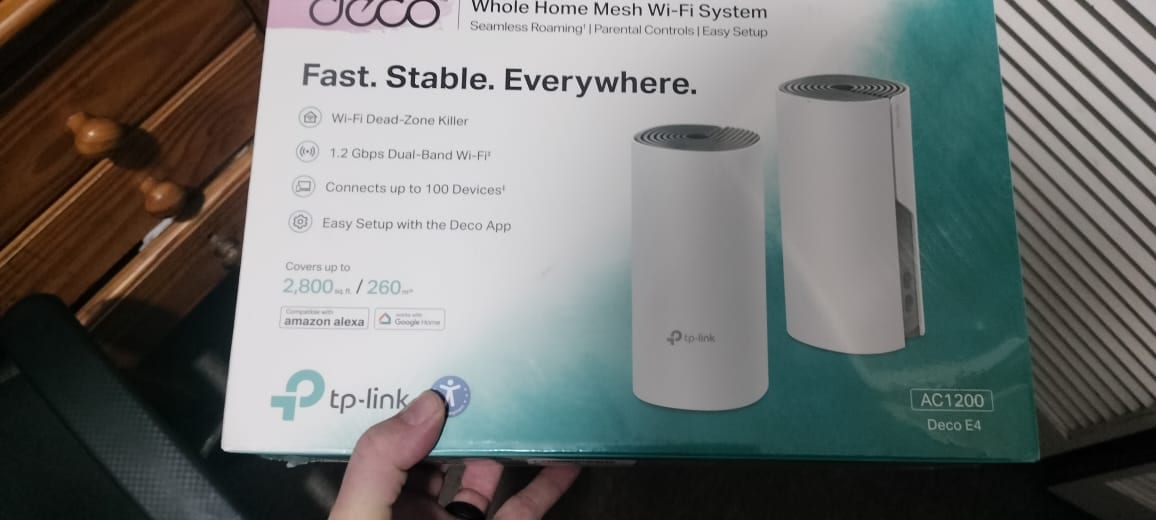
The TP-Link Deco E4 is one of the cheapest whole-home mesh systems on sale, and cheap mesh has a reputation for promising coverage it cannot deliver. This review is based on hands-on use rather than a spec sheet: the two-pack went into a real full-fibre home, replaced an ageing MikroTik router that left cold corners, and had to be talked onto the fibre line with a MAC address clone before it would connect. The result was a house with no dead spots and steady speeds, so it is worth explaining exactly what it fixed and the one setup catch that trips people up.
The TP-Link Deco E4 is a WiFi 5 AC1200 mesh that clears dead spots and steadies speeds in most homes for a low price. In this hands-on test it replaced an ageing MikroTik router on a full-fibre line, and the only real hurdle was cloning the old router's MAC address so the fibre network would accept the new hardware. Wired ethernet backhaul then made the connection genuinely stable across the house.
Key Takeaways
- The Deco E4 is a WiFi 5 (AC1200) dual-band mesh, so it fixes coverage and stability rather than delivering top gigabit speeds.
- On a full-fibre line it needed the old router's MAC address cloned in the Deco app before the internet connection would come up.
- Two units covered the whole home with no dead spots, where a single MikroTik router had left slow, unreliable corners.
- Running the units over wired ethernet backhaul removed the wireless bottleneck and kept speeds consistent room to room.
- For gigabit fibre or very large homes, a WiFi 6 mesh such as the TP-Link Deco X50 is the better long-term choice.
What the Deco E4 fixed straight away
The problem it replaced was familiar: a single router doing all the work, strong in the room it sits in and weak everywhere else. Rooms at the far end of the home dropped to one or two bars, video calls stuttered, and speed tests in the cold corners came back a fraction of what the line actually delivers. That is the classic case for mesh rather than a bigger single router, a distinction covered in the extender versus mesh guide.
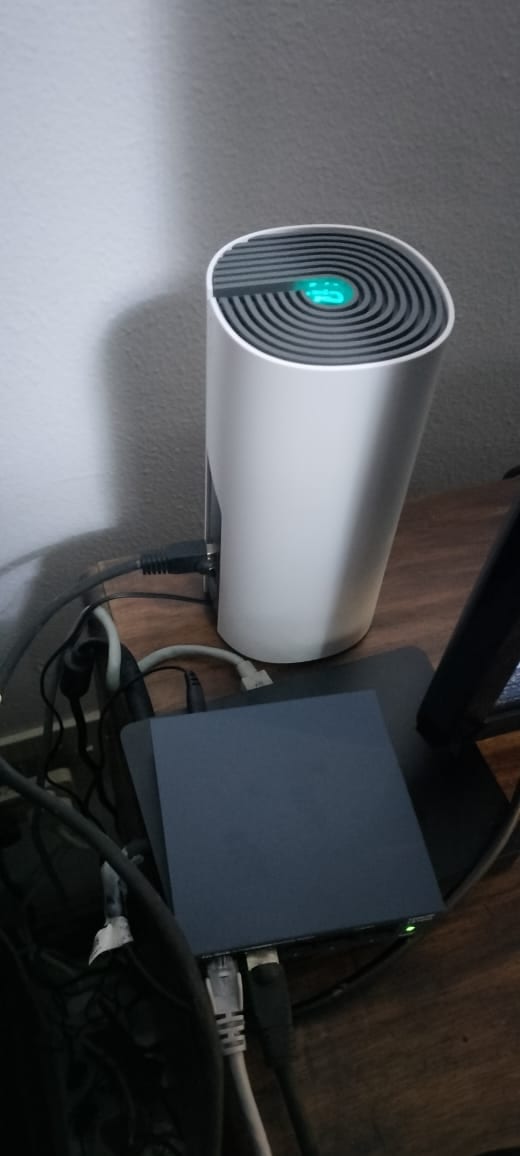
With the second Deco unit placed roughly halfway across the home, the dead spots disappeared. Devices now hand between the two units without dropping the connection, and the far rooms hold a full signal. The unit below shows the solid green light that means it is connected and healthy, which is the state every unit should settle on once the mesh is running. The Deco light meanings guide decodes the other colours if a unit shows anything else.
The fibre setup catch: cloning the old router's MAC address
This is the part no box or advert mentions, and it is the single thing most likely to make a new mesh look broken on fibre. Many full-fibre networks tie the service to the MAC address of the router that first connected to them. Swap that router for a new one and the network sees an unfamiliar device, so the Deco completes its own setup perfectly but reports no internet.
Replacing the MikroTik router here triggered exactly that. The Deco units paired and the app finished setup, but the connection would not come up until the previous router's WAN MAC address was cloned onto the Deco. The fix lives in the Deco app under Advanced, then Internet Connection, where a MAC Clone option lets the Deco present the address the fibre network already trusts. Entering the old router's MAC and reconnecting brought the line straight up.
Two honest notes for anyone doing the same. The old router has to be disconnected once its MAC is cloned, because two devices sharing one MAC address on the same line will conflict. And not every provider binds the line this hard: some release the connection after the fibre box, or ONT, is powered off for a few minutes and back on with the new router in place, while a few need a quick call to re-register the equipment. If a new router or mesh will not connect on fibre, the MAC clone is the first thing to try before assuming a fault.
Wired backhaul is what made it stable
The Deco E4 is a dual-band AC1200 system, which means the same radios carry both the WiFi for your devices and, by default, the wireless link between the units. On a busy network that shared link becomes the bottleneck, and it is why some budget mesh setups feel slower than the single router they replaced.
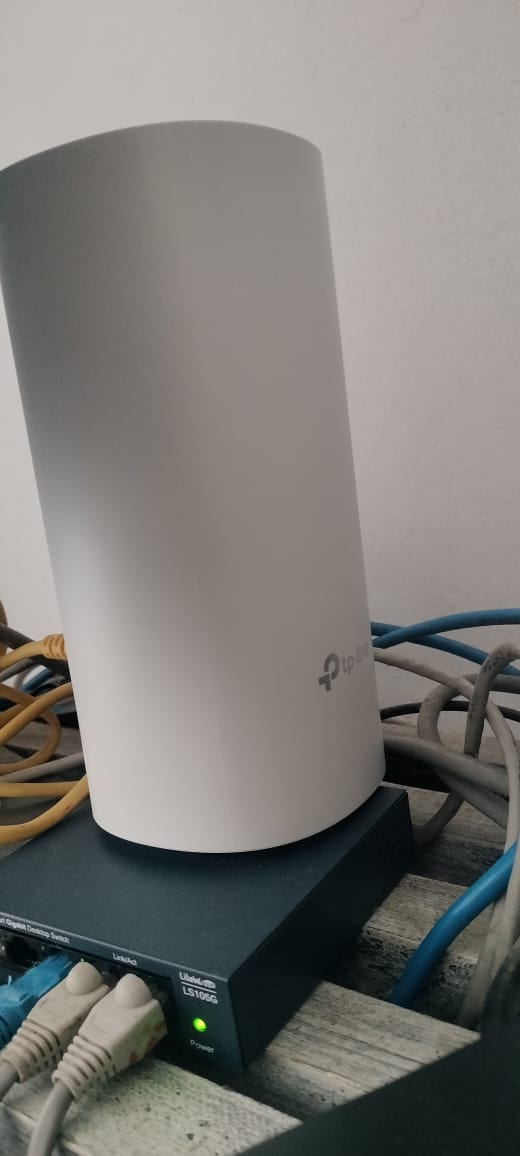
The fix used here was wired ethernet backhaul. Each Deco E4 unit has two ethernet ports, and running a cable between the units, through a basic five-port gigabit switch in this case, moves the unit-to-unit traffic off the airwaves entirely. Any inexpensive gigabit switch does the job. With the backhaul wired, the radios are free to serve devices, and speeds held steady across the house instead of dropping at the second unit. For anyone who can run a cable, this is the upgrade that turns a cheap mesh into a genuinely reliable one.
Setup with the Deco app
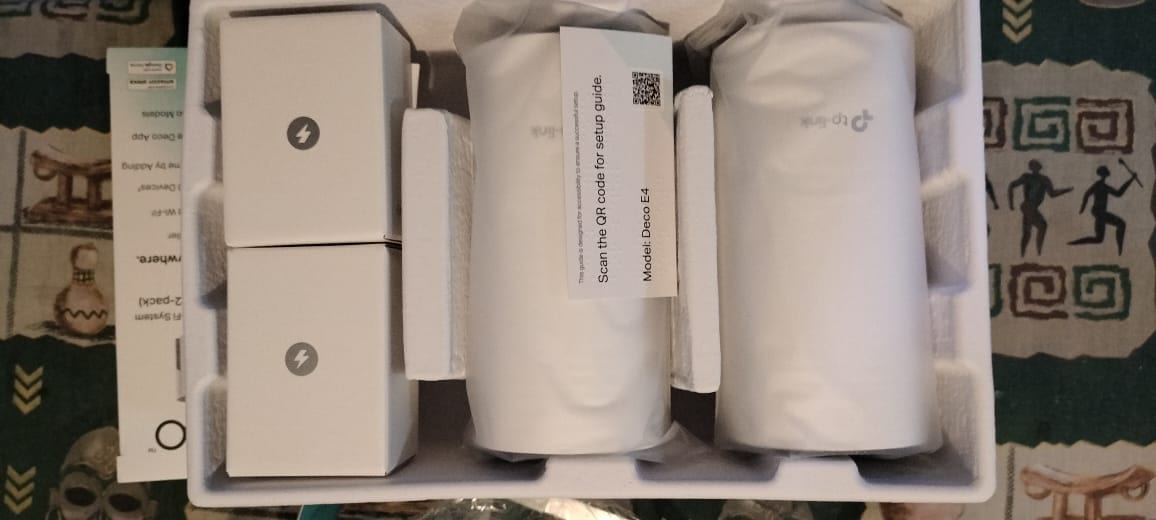
Setup is as simple as the box claims. The two-pack arrives with both units, two power adapters and a short setup card with a QR code, and the whole process runs through the Deco app. Scanning the code, plugging in the first unit next to the fibre box, and following the prompts takes about ten minutes before the second unit is added with a couple more taps.
The MAC clone step above is the only point where the app-led flow needs a manual detour, and only on networks that bind to the router. Everything else, from naming the network to adding the second unit, is genuinely beginner-friendly.
Honest limitations
The low price comes with real trade-offs, and they matter for the right buyer. The Deco E4 is WiFi 5, not WiFi 6, and its AC1200 rating tops out at around 867 Mbps on the 5 GHz band under ideal conditions. On a fibre plan up to roughly 500 Mbps that is plenty, but it will not pass through the full speed of a gigabit line to a single device. The advertised support for up to 100 devices is best read as marketing headroom rather than a target to aim for, and the coverage figures assume open-plan space rather than thick walls, which the thick-walls mesh guide addresses directly.
Anyone on gigabit fibre, running a very device-heavy home, or wanting a system that will still feel current in five years should step up to a WiFi 6 mesh such as the Deco X50, weighed up in the budget mesh guide alongside the E4.
Who the Deco E4 is right for
The Deco E4 earns its place for a specific, common situation: a home with dead spots, a fibre plan up to around 500 Mbps, and a buyer who wants the problem solved without spending premium money. On that brief it delivers, especially with wired backhaul. It is a coverage fix, not a speed upgrade, and judged as a coverage fix it is hard to beat at the price. Deciding between adding mesh and replacing the router outright is covered in the mesh or new router guide, and the Deco versus eero comparison helps if another budget mesh is on the shortlist.
The two-pack suits most homes up to around 2,800 square feet.
Larger or multi-storey homes are better served by the three-pack, which stretches coverage to around 4,000 square feet.