
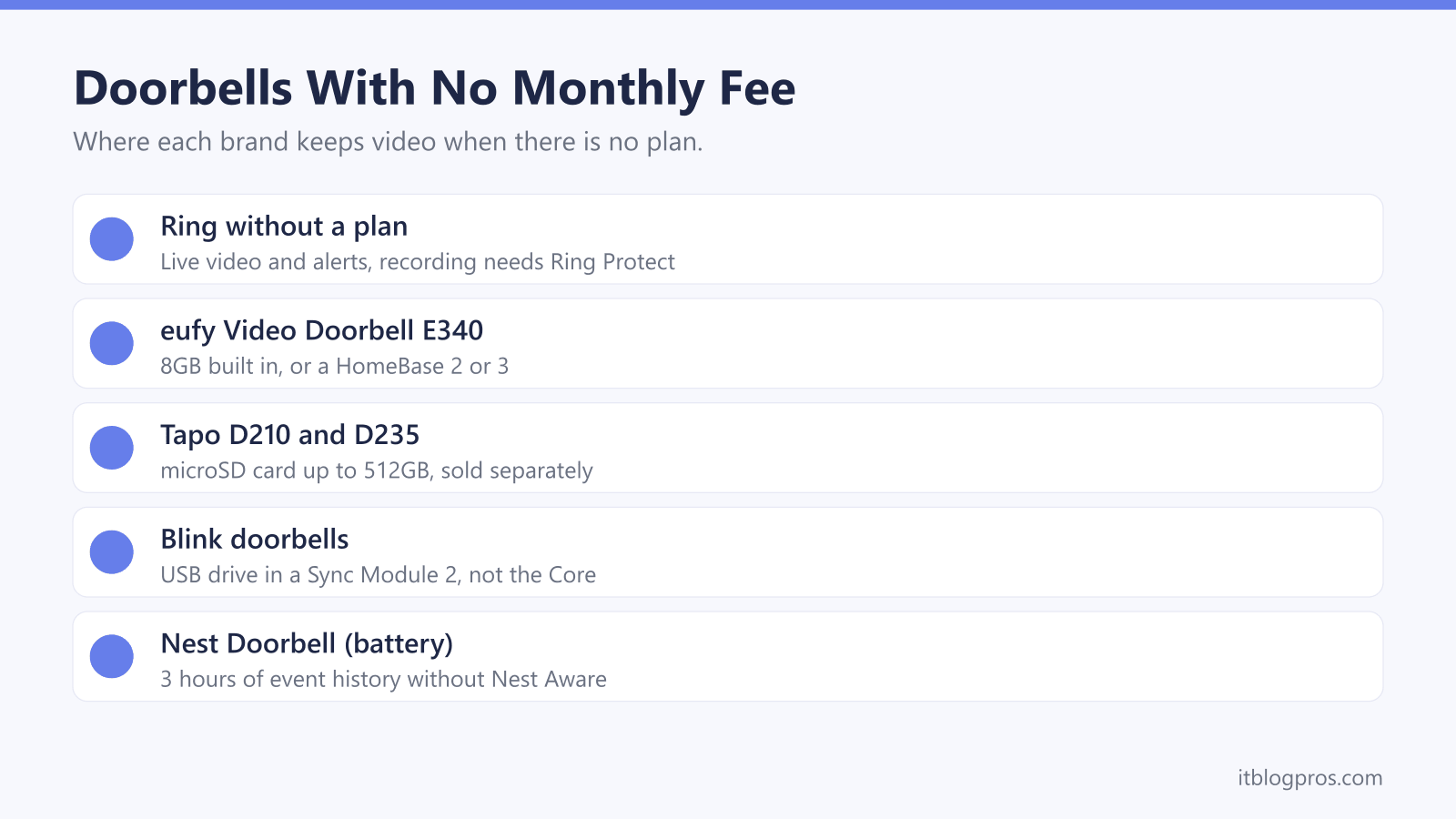
Every doorbell in this guide will show who is at the door without a monthly plan. The difference is what happens to the video afterwards. Ring keeps recordings behind its Ring Protect plans, while eufy, Tapo and Blink can save clips locally, on the doorbell, a microSD card or a small hub indoors, with nothing to pay each month. This guide sets out what Ring's plans add, how each brand stores video for free, and the WiFi, power and chime details that narrow the choice.
A video doorbell without a subscription needs somewhere local to keep its clips. Ring's support pages say its doorbells work without a plan for live video and alerts, but recording needs Ring Protect, from £4.99 a month on Ring's UK page. The eufy E340 stores clips on 8GB built in, Tapo doorbells take a microSD card, and Blink records to a USB drive in a Sync Module 2.
Key Takeaways
- Ring's support FAQ says its doorbells do not need a subscription for live video and answering alerts, but Ring says a plan is required to review recorded video.
- Ring's UK plans page lists Ring Solo at £4.99 a month or £49.99 a year for one device, with motion videos kept in the cloud for up to 180 days.
- eufy's UK page says the Video Doorbell E340 stores 90 days of video on 8GB of built-in storage, based on 30 clips of 20 seconds a day.
- TP-Link's Tapo D210 and D235 take a microSD card of up to 512GB, and Blink records for free only to a USB drive in a Sync Module 2, because the Sync Module Core has no local storage.
- eufy, Blink and TP-Link each list 2.4GHz WiFi for these doorbells, so the 2.4GHz signal at the front door needs to be strong before any of them goes up.
A Ring Doorbell Without a Plan Shows Live Video Only
Ring is clear that its doorbells run without a subscription. Ring's support FAQ says Ring devices don't require a Ring subscription, and that without one you can view real-time video from a doorbell and answer notifications as they happen. Someone presses the button, your phone rings, and you can see and talk to them.
What you lose is the recording. Ring's article on its subscriptions says a subscription is required to review recorded video, and that events are only recorded after you subscribe. It adds that past events might appear in your history but cannot be viewed or recovered, so signing up after a parcel goes missing does not bring back the clip of it going.
Every new Ring doorbell starts on a trial. Ring's UK plans page says a free 30-day trial starts when you set the device up, which is why recordings work for the first month and then stop. If live view has stopped working as well, that points to a connection fault rather than the plan, and the Ring doorbell offline guide covers it.
Ring Protect Adds Recording, and Nest Keeps Three Free Hours
Ring's UK plans page lists three main plans. Ring Solo costs £4.99 a month or £49.99 a year and covers one device. Ring Multi, at £7.99 a month or £79.99 a year, covers every Ring device at one location, and Ring Pro, at £15.99 a month or £159.99 a year, adds features such as Video Search and Video Descriptions. Solo and Multi both include Extended Live View, Doorbell Calls and person and package alerts, and Ring says motion videos are stored in the cloud for up to 180 days. Round-the-clock recording is a separate add-on, priced on the same page at £3 a month per camera on top of a plan.
Google takes a middle route with the Nest Doorbell (battery). Google's help page says 3 hours of event video history is available without a Nest Aware subscription, rising to up to 30 days with Nest Aware and up to 60 days with Nest Aware Plus. It also says 24/7 video history isn't available on that doorbell, even when wired. Three hours covers an afternoon out, not last week.
eufy Stores Video on the Doorbell or a HomeBase
eufy builds the storage into the doorbell itself. Its UK page for the Video Doorbell E340 says 8GB of eMMC storage is built in and that 90 days of video can be stored, a figure eufy bases on an average of 30 clips a day, each 20 seconds long. A busy front path with more visitors will use that space faster. The same page lists No Subscription as a feature and puts No Monthly Fees in the product name.
For more room, the E340 can pass its clips to a HomeBase, the eufy hub that gathers video from its cameras. eufy's FAQ for the doorbell says it works with HomeBase 2 and HomeBase 3. On the HomeBase 3 page, eufy lists 16GB of built-in storage and up to 16TB more on a portable hard drive, using any 5V 2.5-inch SATA drive, HDD or SSD, and describes it as expandable local storage with no monthly fee.
A HomeBase makes most sense in a home that will add eufy cameras later. For a single doorbell, the built-in 8GB is the simpler setup.
Tapo Doorbells Record to a microSD Card
TP-Link's Tapo doorbells take the memory card route. TP-Link's UK specification for the Tapo D210 lists a microSD card slot on the camera for cards up to 512GB, and its product page says the card is sold separately. The Tapo D235 lists the same 512GB microSD support. TP-Link gives the card and its Tapo Care cloud service as the two storage options, so budget for a card alongside the doorbell.
Cloud storage is the paid extra here, listed by TP-Link as subscription required for both models. Detection stays free: the D210 page promises free AI detection of people at the doorstep with no additional fees or subscription, and Tapo's D235 page lists free detection and notification for people, vehicles, pets and packages. TP-Link's package lists include a Tapo chime with both.
The two differ on power. The D210 runs on a 6400mAh built-in battery that TP-Link rates at six months, while the D235 has a 10000mAh battery rated at 210 days, or can be hardwired to an 8 to 24V doorbell supply.
Blink Records for Free Only Through a Sync Module 2
Blink's doorbell FAQ says all Blink products can be used without a Blink Subscription Plan, and its storage page says live view and motion alerts carry on without one. Free recording depends on the Sync Module, the indoor hub. Blink's storage page lists two local routes, a USB flash drive in a Sync Module 2 or a microSD card in a Sync Module XR, and says the Sync Module Core does not support local storage. The Sync Module 2 FAQ adds that clips go to the USB drive automatically when there is no plan, and that drives over 256GB or under 1GB are not recognised.
Blink's Battery Doorbell 2K+ FAQ says it needs a Sync Module and that none comes in the doorbell's own box, and Amazon's listing for the system version includes a Sync Module Core. A no-fee setup therefore needs a Sync Module 2 and a USB drive. Blink's pages disagree slightly: the doorbell FAQ says it supports local storage through a Sync Module, while the Sync Module 2 FAQ's list of eligible cameras does not name it.
The SD card guide explains which microSD card suits a doorbell that records locally.
| Product | Best for | Key specs | Price | |
|---|---|---|---|---|
 | eufy Security Video Doorbell E340 Our pick | Free storage built in, on battery or wired power | 2K dual cameras, 8GB built-in storage, IP65 | Check price → |
 | Tapo D235 Video Doorbell with Chime Wired or battery | A head-to-toe 180° view, with wiring optional | 2K 5MP, microSD to 512GB, 10000mAh or 8-24V wired | Check price → |
 | Tapo D210 Video Doorbell with Chime Budget | A low-cost battery doorbell with a chime included | 2K 3MP, microSD slot to 512GB, 6400mAh battery | Check price → |
 | Blink Battery Doorbell 2K+ with Sync Module Core Blink homes | Blink and Alexa homes, with a Sync Module 2 added | 1920p video, three AA lithium batteries, IP65 | Check price → |
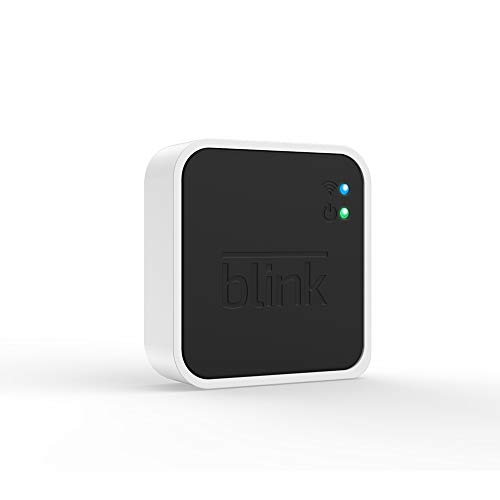 | Blink Add-On Sync Module 2 Blink storage | Saving Blink doorbell clips with no plan | Local storage on a USB drive from 1GB to 256GB | Check price → |
Battery or Wired Power Decides How the Chime Rings
Battery power suits any door, at the cost of recharging. eufy rates the E340 at up to six months, and TP-Link gives six months for the D210 and 210 days for the D235, noting that real battery life varies with settings and use. Wired power ends the charging, but the bell circuit has to supply the right voltage. eufy's specification page lists 16-24V for the E340, TP-Link lists 8 to 24V for the D235, and Blink lists 8 to 24V AC for UK wiring on the Battery Doorbell 2K+. eufy and Blink both still need the batteries fitted when wired.
The chime needs the same attention. eufy's specification page says the E340 works with an original mechanical chime but not a digital one. Blink's Battery Doorbell 2K+ rings a mechanical chime only when it is wired to it, and the Blink Wired Doorbell 2K+ does not support one at all, because its bypass cable disables the existing chime. Tapo puts its own chime in the box with the D210 and D235, so a battery install still rings indoors.
Every Doorbell Here Needs a Strong 2.4GHz Signal
The makers agree on one requirement. eufy's FAQ for the E340 says it only supports 2.4GHz WiFi, Blink lists a 2.4GHz 802.11 b/g/n network for its doorbells, and TP-Link's specifications for the D210 and D235 list 2.4GHz WiFi. Ring's FAQ says all Ring devices are compatible with 2.4GHz networks and only some can use 5GHz. Blink's Sync Module 2 FAQ also asks for a connection with at least 2MB per second of upload speed.
Hubs that put both bands under one network name can make setup harder, and the guides to splitting the bands on a BT Smart Hub and a Virgin Media Hub show how to separate them. The fixes for a Ring doorbell on a BT Smart Hub and on a Virgin Media Hub apply to other brands too.
Reach matters too, because the signal has to get through the front wall. An extender between the router and the door is the usual answer, covered in the WiFi extender for a Ring doorbell guide, and the Blink camera offline guide covers a Blink that keeps dropping.