
A replacement laptop charger looks like a simple buy until the listings start. Page after page of adapters claim to fit, and HP's support page warns that the wrong one can mean slower charging, unexpected shutdowns or a laptop that will not boot. The answer is usually printed on the old charger and spelled out on the laptop maker's own support pages. This guide covers reading the label, matching a barrel plug, what USB-C Power Delivery changes, genuine versus third-party adapters and the UK safety checks worth making.
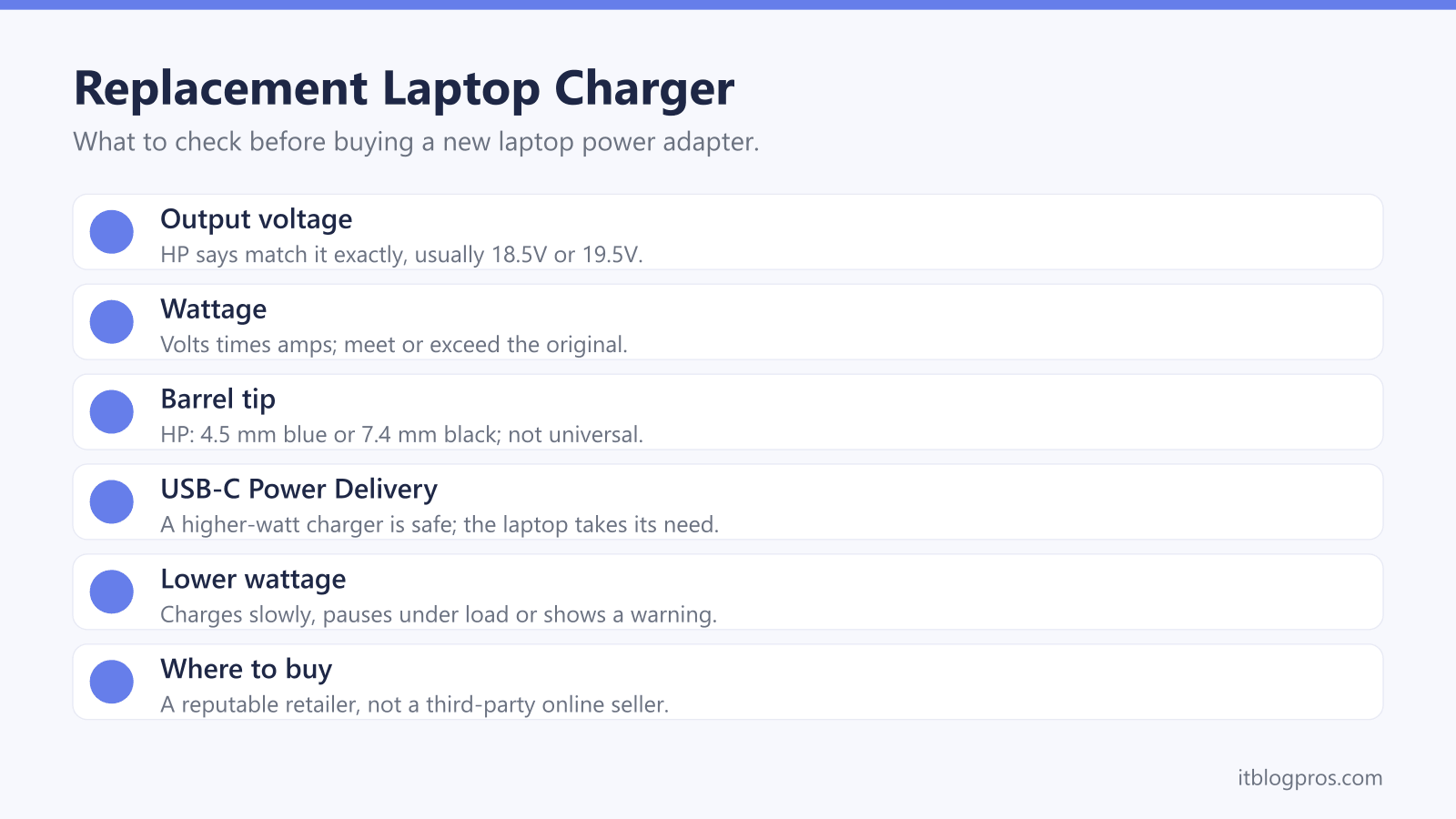
Buy a replacement that matches the original adapter's connector and output voltage and meets or beats its wattage, which is the volts multiplied by the amps. HP's charging guide says to match the voltage exactly and meet or exceed the wattage. For a laptop that charges over USB-C Power Delivery, HP says a higher-watt charger is safe because the laptop draws only what it needs, while a lower-watt one charges more slowly.
Key Takeaways
- HP's support page says the wattage is printed on a label on the bottom of the adapter, and ASUS's FAQ shows how to work it out: 19V multiplied by 6.32A is 120W.
- Barrel tips are not universal: HP lists a 4.5 x 3.0 mm blue tip and a 7.4 x 5.0 mm black tip, and ASUS lists round tips from 4.0 to 6.0 mm.
- HP's charging guide says a higher-watt USB-C Power Delivery charger is safe because the laptop draws only what it needs, but says this is not always true of older barrel-pin chargers.
- HP's support page says a lower-wattage adapter still charges, but more slowly, and charging can pause under heavy use or the laptop can show a Reduced performance message.
- HP, Dell and Lenovo all point buyers to their own or approved adapters, and Electrical Safety First advises buying chargers from a reputable retailer rather than a third-party seller online.
The Old Adapter's Label Says What to Buy
Start with the charger you are replacing, or the one that came in the box. HP's support page says the wattage is printed on a label on the bottom of the AC adapter, and ASUS's FAQ says its adapters show the input and output voltage and current on the rear. The output line is the one that matters. It gives the volts and amps the adapter delivers, and multiplying the two gives the watts.
ASUS's own example reads 19V and 6.32A, which its FAQ works out as 120W. Lenovo's user guide for the ThinkPad T14 Gen 5 lists adapters of 20 V dc at 2.25A or 3.25A, its 45W and 65W options. HP's guide to charging cords sets the rule: match the voltage exactly, which it says is usually 18.5V or 19.5V, and meet or exceed the wattage.
Before buying, make sure the charger really is the fault. The laptop power and charging problems hub walks through the checks, and the guides for Dell, Lenovo, ASUS, Acer and MSI laptops that turn off when unplugged cover the battery side.
Barrel Plugs Have to Match the Socket Exactly
Round barrel plugs leave no room for guesswork. HP's charging cord guide lists a 4.5 x 3.0 mm Smart Pin with a blue tip as the most common on its business laptops, and a 7.4 x 5.0 mm Smart Pin with a black tip for its workstations and gaming laptops. The same guide states plainly that barrel sizes are not universal across brands.
ASUS's FAQ lists round connectors of 4.0, 4.5, 5.5 and 6.0 mm alongside USB Type-C and a rectangular plug. It warns against using different adapters on different models, because a different connector size might cause damage, and adds that a matching tip is not enough: the rating, such as 19V and 4.74A, has to match too. Dell's support page says forcing an incorrect adapter can bend or break the centre pin of the adapter or the laptop's power port.
For a barrel-plug laptop, the safe route is the maker's adapter, found by part number. HP's support page says its AC adapters are designed for specific notebook models and are ordered by product number.
USB-C Power Delivery Makes a Bigger Charger Safe
USB-C changes the picture, because the charger and the laptop agree on the power between them. The USB Implementers Forum, which looks after the USB standards, says Power Delivery lets devices negotiate for only the power they require. It also says that before revision 3.1, Power Delivery was limited to 100W at 20V over USB-C cables rated at 5A, and that revision 3.1 added 28V, 36V and 48V levels for up to 140W, 180W and 240W.
HP's charging guide says a higher-watt charger can be used safely because the device draws only what it needs, and that the wattage on a Power Delivery charger is the upper limit rather than a fixed output. HP adds that this applies to USB-C chargers with Power Delivery and is not always true of older barrel-pin chargers.
The port matters as well. HP's charging cord guide says not all USB-C ports support charging, and Dell's support page says never to assume that every Dell laptop can charge from any USB-C charger, because it still depends on Power Delivery support, wattage and the model.
A Lower-Wattage Charger Charges Slowly or Shows a Warning
Going below the original wattage is where the trouble starts. HP's support page gives the example of a 45W adapter on a laptop that needs 65W: it still charges, but at a slower rate, and charging might pause under heavy use. The same page lists the trade-offs as a reduced processor clock speed, a battery that charges slowly or not at all, and an adapter that runs warm. HP laptops can show a Reduced performance message, and HP says its high-performance notebooks need a 90W adapter.
Dell laptops flag it too. Dell's support page says a BIOS entry showing Unknown or the wrong wattage means the laptop might not charge properly or may charge slowly, and another Dell article quotes a warning that a 57W adapter has been detected, less than the recommended 65W, when a dock takes its share. The docking station guide covers that setup.
HP's two guides pull in different directions here. Its charging guide says a lower-watt charger will not damage an HP laptop, while its charging cord guide says to avoid lower wattage altogether.
The Makers All Point Buyers to Their Own Adapters
HP's support page says to use only the adapter provided with the computer, a replacement HP adapter or a compatible one bought from HP. It warns that a third-party adapter can mean inadequate power, slower charging, unexpected shutdowns or failure to boot, and that an HP laptop shows an AC adapter is not genuine message for an adapter that is not an authentic HP product. When replacing one, HP says to make sure it is certified by HP and matches the laptop's voltage and wattage.
Dell's support page says to use Dell-approved chargers and avoid third-party ones to prevent compatibility and safety issues. Lenovo's ThinkPad user guides say to use only certified adapters provided by Lenovo that comply with national standards, and recommend Lenovo qualified adapters.
ASUS takes a more open line. Its FAQ recommends the original adapter, and says that if another charger is needed, it should be a certified product with an output higher than the recommended power. ASUS also says MyASUS, Armoury Crate and ProArt Creator Hub show the recommended charger power.
UK Safety Checks Come Before the Bargain
A charger that matches on paper still has to be safe. Electrical Safety First, the UK electrical safety charity, says USB chargers must meet the Electrical Equipment (Safety) Regulations 2016. It advises buying from a reputable retailer rather than a third-party seller online, because such a charger may not have passed the necessary safety checks, and warns that substandard or counterfeit chargers may present a higher risk of exploding or catching fire. Its counterfeit research adds that listings which overstate a product's authenticity deserve caution, since sellers of legitimate branded goods do not need to keep insisting a product is genuine.
The UK government's online shopping safety guidance gives a short checklist: look for recognised safety markings such as UKCA or CE, check the description for clear instructions, safety warnings and UK contact details, and check how long the seller has been trading and its rating.
The USB Implementers Forum adds its own advice: buy certified USB products from trusted sources that show its certified logos on the packaging or the product itself.
Three USB-C Chargers That Suit Power Delivery Laptops
The honest caveat first: these three only help a laptop that charges over USB-C Power Delivery. A barrel-plug laptop needs the maker's own adapter. Gaming laptops are a stretch too: ASUS's FAQ on USB-C charging for its ROG models says a 65W or 100W adapter suits light loads without heavy processor or graphics work, and the guide to laptops that switch to battery while gaming covers that problem.
UGREEN's UK page says the Nexode Pro 100W delivers up to 100W from a single USB-C port, C1 or C2, with three USB-C ports and one USB-A for a phone or tablet. Lenovo's UK page lists its 65W Mini USB-C GaN Charger with one USB-C port at 65W maximum and a 2m USB-C cable. Anker's UK page gives the 715 Charger (Nano II 65W) a top output of 20V at 3.25A and notes the cable is not included.
A Surface is covered in the Surface charging guide, and a battery that always stops at the same level is worth checking against the 80 percent guide first.
| Product | Best for | Key specs | Price | |
|---|---|---|---|---|
 | UGREEN Nexode Pro 100W Smart Display Charger Our pick | USB-C laptops up to 100W, plus a phone or tablet | 100W from one USB-C port; 3 USB-C and 1 USB-A | Check price → |
 | Lenovo 65W Mini USB-C GaN Charger Laptop brand | Lenovo and other 65W USB-C laptops | 1 USB-C port, 65W max; 2m USB-C cable included | Check price → |
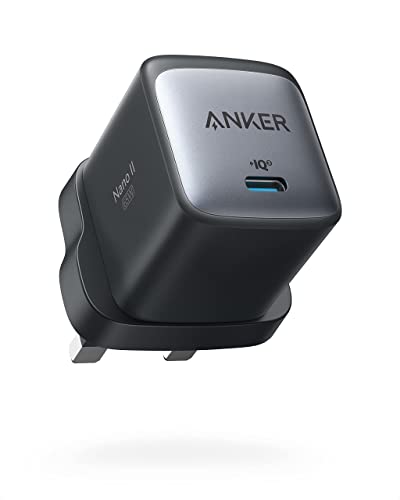 | Anker 715 Charger (Nano II 65W) Budget | A small spare charger for a 65W USB-C laptop | 1 USB-C, up to 20V 3.25A (65W max); no cable | Check price → |