
Netgear routers spare you from remembering a number. Type routerlogin.net into a browser on the router's network and the settings page opens, whatever IP address the router is using underneath. The catch is the password: Netgear's login guide still gives a well-known default, while its support article says newer routers use the password chosen during setup. This guide covers the addresses, the username and password, the Orbi and app routes, and Netgear's own fixes when the page will not load.
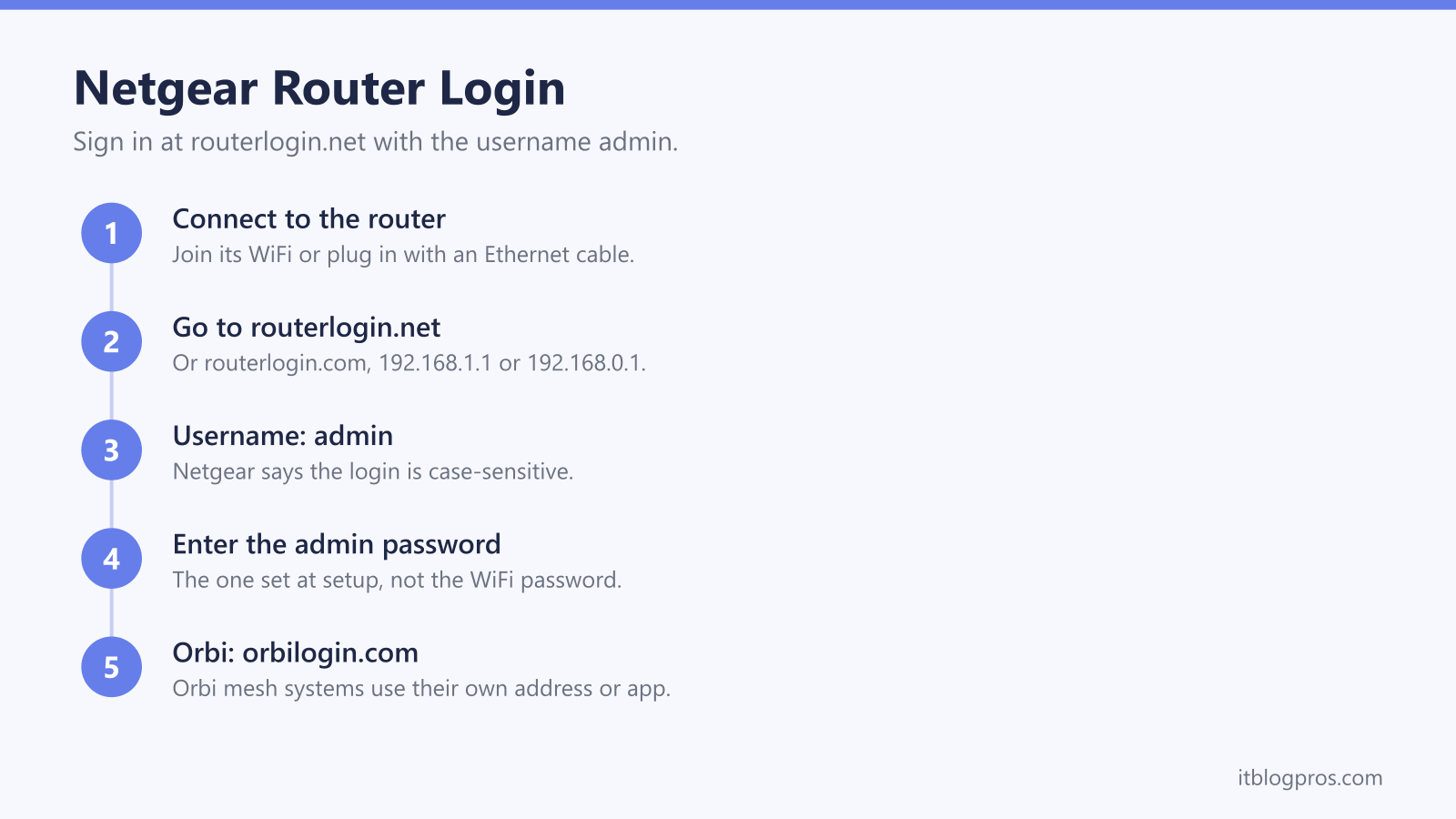
Netgear's router login page is routerlogin.net, or routerlogin.com, from a device on the router's network, and the IP addresses 192.168.1.1 and 192.168.0.1 also work. The username is admin. Netgear's login guide gives password as the default, but its support article says newer routers use the admin password set during setup. Orbi systems use orbilogin.com.
Key Takeaways
- Netgear's login guide lists routerlogin.net and routerlogin.com, plus the IP addresses 192.168.1.1 and 192.168.0.1, as the ways into the router's settings.
- The username is admin, and Netgear says the username and password are case-sensitive.
- Netgear's login guide gives password as the default, while its support article says newer routers use the admin password set during setup, which is separate from the WiFi password.
- Orbi mesh systems use orbilogin.com or the Orbi app instead, according to Netgear's login guide.
- Netgear's troubleshooting order is to check the network, try each address, clear the browser cache, drop any VPN, restart everything, and only then factory reset.
routerlogin.net Finds a Netgear Router for You
Most routers make you know their IP address. Netgear's login guide offers a shortcut instead: type www.routerlogin.net or www.routerlogin.com into a browser and the router's login page opens. The guide also lists the two IP addresses Netgear routers use by default, 192.168.1.1 and 192.168.0.1, which do the same job if the name does not work.
The shortcut only works from inside your own network. Netgear's troubleshooting article puts making sure you are connected to the router's WiFi network at the top of its checklist, because a phone on mobile data or a laptop on another network has no route to the router at all. If you prefer the numbers, the 192.168.1.1 login guide and the 192.168.0.1 login guide cover those addresses across other brands as well.
How to Log In to a Netgear Router
Connect a computer, tablet or phone to the Netgear router, by its WiFi or with an Ethernet cable. Open a web browser and type routerlogin.net into the address bar, or http://192.168.1.1 as Netgear's support article suggests. Use the address bar rather than a search box, or the browser returns search results instead of the router.
The login box asks for a username and a password. Netgear's support article gives admin as the username and says both the username and the password are case-sensitive, so a capital letter typed by mistake is enough to be refused. Enter the admin password, covered in the next section, and the router's settings open. From there the WiFi name and password and the firmware update check are within reach.
The Admin Password Is Not the WiFi Password
Netgear's two sources describe the password differently, and the difference depends on the age of the router. Netgear's router login guide gives admin and password as the default username and password, and says to check the label on the bottom or back of the router. Netgear's support article on logging in says the password is the one you set during the initial setup, which is how newer routers work.
Both sources agree on one point that causes most failed logins: the admin password you create during setup is not the password your devices use to join the WiFi. Netgear's support article also mentions a password recovery feature for anyone who has forgotten the admin password, which has to be switched on in advance. Without it, a factory reset restores the defaults. The guide to finding your router admin password explains the difference between the two passwords in more detail.
Orbi Systems and the Nighthawk App Take Different Routes
Netgear's Orbi mesh systems have their own address. Netgear's login guide says to reach an Orbi through the Orbi app or by visiting orbilogin.com in a web browser, rather than through routerlogin.net. If the Orbi's lights are the real question, the Netgear Orbi light meanings guide decodes them.
For Nighthawk and other Netgear routers there is also an app route. Netgear's support article says to download the Nighthawk app from nighthawk-app.com, make sure the phone is connected to the router's WiFi network, then open the app and sign in with a NETGEAR account. Netgear's login guide describes the app as the easiest way to manage the router. The web page at routerlogin.net remains the place for the fuller settings, and the Nighthawk light meanings guide covers what the lights on the front are saying.
Netgear's Fixes When routerlogin.net Will Not Load
Netgear's troubleshooting article sets out the order to work through. First, make sure the device is connected to the router's WiFi network, checking the default network details on the router's label if needed. Second, try each address in turn: www.routerlogin.net, www.routerlogin.com, then 192.168.1.1 and 192.168.0.1.
Third, clear the browser cache or try a different browser, since a stale page can hide the login screen. Fourth, disconnect from any VPN, work connection or second network, so the device talks only to the Netgear router. Fifth, restart the router, the modem and the connected devices. Only after all of that does Netgear suggest a factory reset, which returns every setting to its default, including the admin login and the WiFi configuration. Once you are back in, Netgear's article suggests confirming the router's IP address and checking for a firmware update.
A Netgear Router Behind an ISP Hub Needs One Extra Check
On many UK lines the provider's hub stays in place, and a Netgear router plugs into one of its ports. That arrangement means two devices are routing at once, which is double NAT, and Netgear's own article on double NAT says it can cause problems with online games, VPN connections and port forwarding. The double NAT guide explains the ways round it.
On Virgin Media the cleanest answer is the Hub's modem mode, which hands the routing to the Netgear and moves the Hub's own settings to a different address, covered in the 192.168.100.1 login guide. The Netgear's login does not change either way: routerlogin.net still opens it from any device on its network. If the router shows lights but no internet after the change, the Netgear lights on but no internet guide is the next stop.
The router login guide lists the login address and password for every other UK hub and router brand.