
A monitor turns a laptop into a proper desk set-up, and the choice comes down to a handful of numbers: screen size, resolution, refresh rate and the ports at both ends. Get the connection wrong and the screen stays blank. Mismatch the size and resolution and text looks soft or tiny. This guide sets out what Dell, Philips, Samsung, Microsoft, Apple and the HSE say about each, then lists five monitors worth shortlisting, from a budget 24-inch to a portable USB-C screen.
For most laptops, a 24-inch 1080p or 27-inch 1440p monitor is the sensible choice, with Windows or macOS scaling left at the recommended setting. Check the laptop's ports first: HDMI works almost everywhere, while USB-C needs DisplayPort Alt Mode for video. A USB-C monitor with power delivery, such as the 65W models from Dell and Philips, charges the laptop over the same cable. Refresh rates above 144Hz mainly matter for games.
Key Takeaways
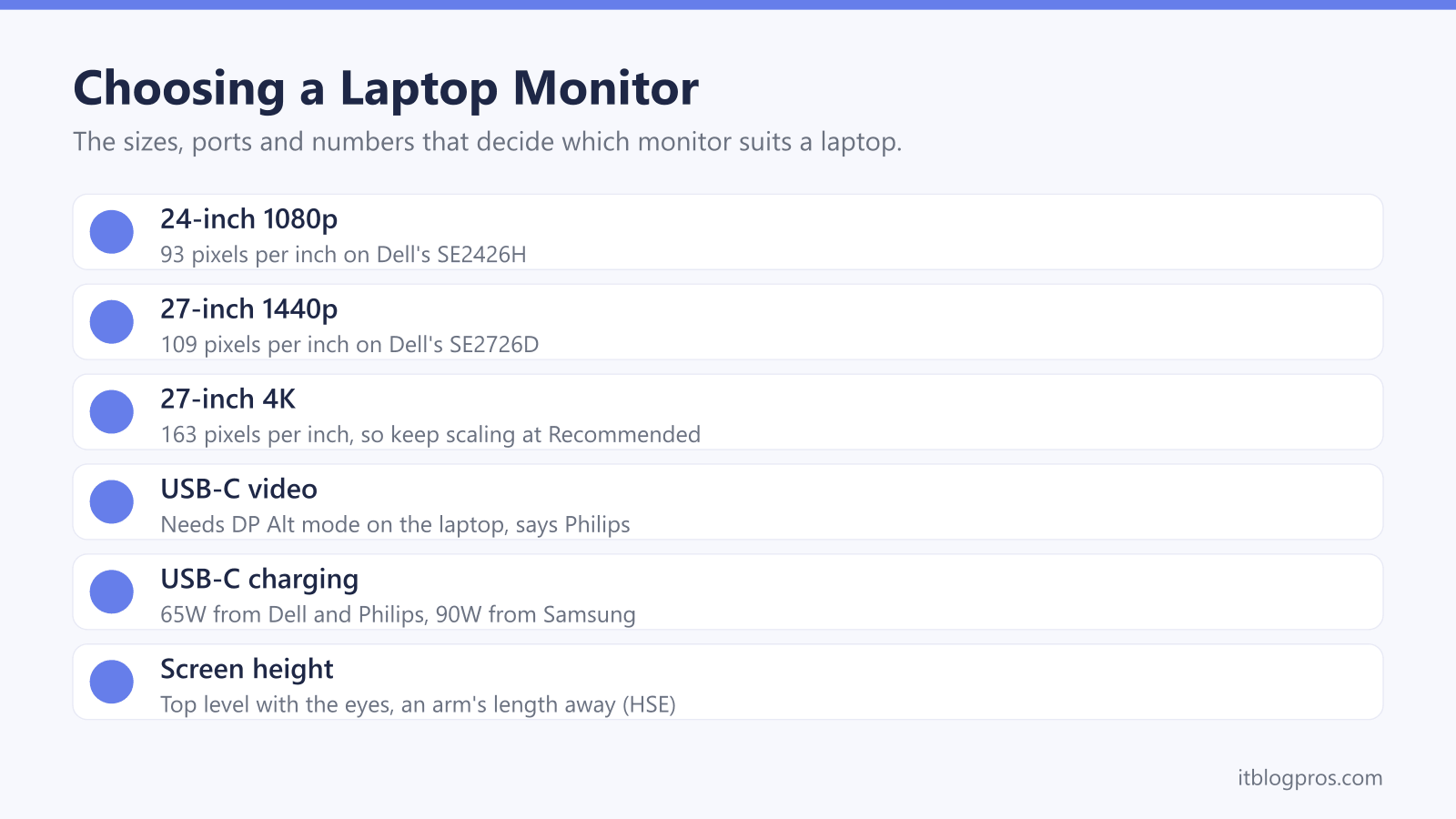
- Dell lists 93 pixels per inch for its 24-inch 1080p SE2426H, 109 for the 27-inch 1440p SE2726D and 163 for the 27-inch 4K S2725QC, and Microsoft advises the scale marked Recommended.
- Philips says video over USB-C needs a laptop that supports DP Alt mode, and VESA says USB-C ports that carry video normally show a DP logo near the connector.
- Philips and Dell list up to 65W of USB-C power delivery on their one-cable monitors and Samsung lists 90W, while Apple recommends a 140W adapter for the 16-inch MacBook Pro.
- Microsoft says a higher refresh rate makes scrolling smoother and reduces motion blur in games, and AOC says HDMI 1.4 tops out at 144Hz at 1080p and 75Hz at 1440p.
- The HSE advises the top of the screen level with the eyes and about an arm's length away, which a height-adjustable stand or a 100 x 100 VESA mount makes easier.
A 24-Inch 1080p or 27-Inch 1440p Screen Suits Most Desks
Size and resolution only make sense together, because the same pixels spread across a bigger panel look softer. Dell's spec pages put a number on it. The 24-inch SE2426H, 23.8 inches on the diagonal, runs 1920 x 1080, or Full HD, at 93 pixels per inch. The 27-inch SE2726D runs 2560 x 1440, often called QHD or 1440p, at 109 pixels per inch, so the bigger screen is slightly sharper as well. Dell's 27-inch S2725QC is 4K, 3840 x 2160, at 163 pixels per inch.
That 4K density is where scaling comes in. Microsoft's guide to resolution and layout says it is usually best to choose the scale and resolution marked (Recommended), and warns that running a monitor below its native resolution makes text less sharp. Apple's Mac guide says the Mac uses the best resolution for the display by default, and that Displays settings can make text larger or give more space instead. On a 27-inch 4K screen, scaling trades some of that extra room for crisp text at a comfortable size.
The Laptop's Ports Decide How the Monitor Connects
Before choosing a screen, check the sides of the laptop. HDMI is the universal option, but its version caps the picture. AOC's page for its 24B3HA2 says HDMI 1.3 to 1.4b supports up to 144Hz at 1080p and 75Hz at 1440p, while HDMI 2.0 reaches 144Hz at 1440p and 60Hz at 4K. Dell's SE2426H has two HDMI 1.4 ports and no other video input, while the SE2726D pairs HDMI 2.1 with DisplayPort 1.4. The HDMI cable guide covers the lead itself.
USB-C is tidier, with a catch. Philips says video over USB-C needs a laptop that supports USB-C DP Alt mode, and VESA's FAQ says ports that do normally show a DP logo near the connector. Without it, the HDMI port is the fallback, and a USB-C to HDMI adapter suits a USB-C port that does carry video.
Macs add a limit on numbers. Apple's tech specs for the M2 MacBook Air list one external display, while Apple says M4 MacBook Air models support up to two and that a hub does not raise the maximum.
USB-C Power Delivery Turns One Cable Into a Charger
A USB-C monitor with power delivery charges the laptop through the same cable that carries the picture, which leaves one lead on the desk instead of two. Makers list the wattage, and it varies. Philips gives its 27E1N1600AE up to 65W under USB PD version 3.0. Dell's S2725QC lists 65W on its upstream USB-C port, plus 15W on a second USB-C port for a phone. Samsung's page for the ViewFinity S6 lists 90W of USB-C charging and an Ethernet port.
The laptop has to play its part. Philips says charging needs a notebook that supports the USB-C Power Delivery specification. Apple says a Mac that charges over USB-C works with any USB-C power adapter or display, even one below the recommended wattage, but that the best charging comes from at least that figure. Its recommended adapter for the 16-inch MacBook Pro is 140W, more than a 65W monitor supplies. Dell and Philips both put a USB-C cable in the box. For more ports than a monitor offers, the docking station guide and USB-C hub guide take over.
Refresh Rate Matters More for Games Than for Spreadsheets
Refresh rate is how many times a second the screen redraws, in hertz (Hz). Microsoft's page on changing it says a higher rate makes scrolling and pen input more fluid, and that in games it reduces motion blur and screen tearing. These everyday monitors run from 100Hz to 144Hz: BenQ lists 100Hz on its GW2490, Philips lists 120Hz on the 27E1N1600AE and Dell lists 144Hz on the SE2426H and SE2726D. Microsoft adds that the rates on offer depend on the display, and picking one marked with an asterisk changes the resolution.
Gaming is where the numbers climb. LG's UltraGear 27G610A lists 200Hz at 1440p with AMD FreeSync Premium, which LG says gives tear-free visuals, and Microsoft says many popular games use variable refresh rate (VRR) automatically. Philips asks buyers to make sure the graphics card can reach the monitor's maximum resolution and refresh rate, so check the laptop can drive it. Philips also says its MPRT motion mode may cause noticeable flicker and suggests turning it off outside games. The gaming mouse guide covers the rest of a gaming desk.
Screen Position Comes First, Eye-Comfort Labels Second
The HSE's guidance on good posture puts the top of the screen level with the eyes, about an arm's length away and directly in front. For laptops, it suggests a keyboard and mouse separate from the laptop so the screen can be raised on a riser, or a display screen separate from the laptop, which is the case for a monitor. The laptop stand guide and wireless keyboard and mouse guide cover both routes.
Stands vary more than panels. Dell's SE2426H and SE2726D tilt only, while the S2725QC adds 130mm of height adjustment, swivel and pivot. Philips lists 100mm of height adjustment on the 27E1N1600AE. All four list a 100 x 100 VESA mount, so a monitor arm can replace a basic stand.
Eye-comfort labels are the makers' own claims. Dell cites TÜV Rheinland 3-star eye comfort on its SE models and 4-star on the S2725QC, Philips lists flicker-free and LowBlue Mode, and BenQ says TÜV Rheinland certified the GW2490's flicker-free and low blue light technology. None of them fixes a screen set too low.
Portable USB-C Monitors Run From the Laptop's Own Port
A portable monitor is a slim second screen that folds into a laptop bag and takes its power from the laptop. Philips's 16B1P3302 is a 15.6-inch 1920 x 1080 panel at 75Hz, weighing 1.03kg with its stand, and comes with a protective case. ASUS lists its ZenScreen MB16ACV at 15.6 inches, 60Hz and 0.9kg, with TÜV flicker-free and low blue light certificates and a sleeve in the box. Philips gives a 15W USB-C input and says the monitor is powered through the USB port, so away from a socket it runs on the laptop's battery.
The connection works two ways. Over USB-C to USB-C, Philips says the laptop needs DP Alt mode, while its USB-C to USB-A route uses DisplayLink, which Philips says enables compatibility with existing laptops. ASUS also ships both a USB-C cable and a USB-C to A cable.
On Windows, Microsoft says pressing the Windows key and P switches between Duplicate, Extend and Second screen only, and that Settings, System, Display, Multiple displays, Detect finds a screen Windows has missed.
The Monitors Worth Shortlisting
Each pick comes with a limit worth knowing. Philips's 27E1N1600AE is the one-cable choice: Philips lists 2560 x 1440 at 120Hz, USB-C with up to 65W, a two-port USB hub, speakers and 100mm of height adjustment, though its only other input is HDMI 1.4. Some retail listings still give 100Hz, while Philips's UK page and leaflet say 120Hz. Dell's SE2426H is the budget 24-inch, with 1920 x 1080 at 144Hz, two HDMI 1.4 ports, TÜV 3-star eye comfort and a VESA mount, but a tilt-only stand and no USB-C or DisplayPort.
Dell's SE2726D moves to 27 inches at 2560 x 1440 and 144Hz, with HDMI 2.1 and DisplayPort 1.4, again on a tilt-only stand. Dell's S2725QC adds 4K at 120Hz, 65W USB-C, speakers and a stand with height, swivel and pivot. For travel, Philips's 16B1P3302 is a 15.6-inch portable that runs from the laptop. Apple recommends a 140W adapter for the 16-inch MacBook Pro, so none of these 65W screens matches it.
| Product | Best for | Key specs | Price | |
|---|---|---|---|---|
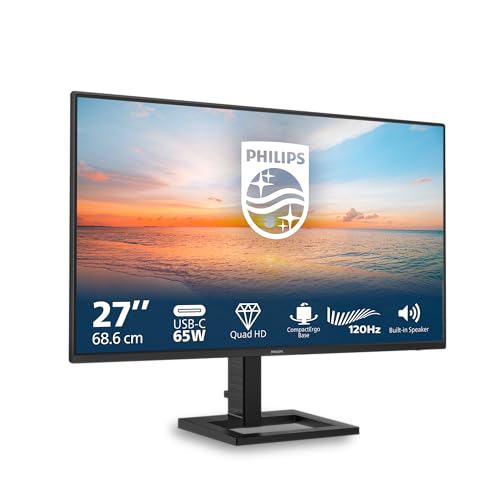 | Philips 27E1N1600AE 27-inch QHD USB-C Monitor Our pick | One USB-C cable for picture and laptop charging | 27in 2560x1440 120Hz, USB-C 65W, HDMI 1.4, 100mm height | Check price → |
 | Dell 24 Monitor SE2426H Budget | A first 24-inch screen connected over HDMI | 23.8in 1920x1080 144Hz IPS, 2x HDMI 1.4, VESA 100 | Check price → |
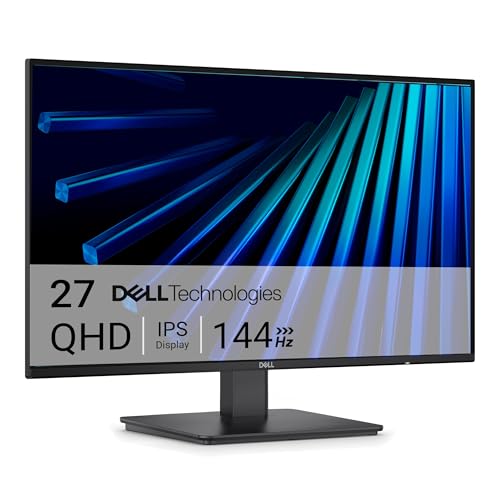 | Dell 27 Monitor SE2726D 27-inch 1440p | A bigger, sharper screen over HDMI or DisplayPort | 27in 2560x1440 144Hz IPS, HDMI 2.1, DP 1.4, VESA 100 | Check price → |
 | Dell 27 Plus 4K USB-C Monitor S2725QC 4K USB-C | Crisp 4K text and laptop charging over one cable | 27in 4K 120Hz, USB-C 65W, height, swivel and pivot | Check price → |
 | Philips 16B1P3302 Portable Monitor Portable | A second screen that travels in a laptop bag | 15.6in 1920x1080 75Hz, USB-C DP Alt or DisplayLink, 1.03kg | Check price → |