
Sky Glass and Sky Stream removed the dish and the aerial, which means every channel, every recording and every app on every screen in the house now arrives over broadband, and almost always over WiFi. One puck streaming HD is easy work for any router. Three pucks and a Glass TV pulling UHD at the same time is a different job entirely, and the hub sitting in the hallway is usually where the buffering starts. This guide explains why multi-puck Sky households strain ordinary WiFi, weighs Sky's own £4 a month WiFi Max service against buying a mesh system outright, and then works through three picks: the TP-Link Deco X50 as the value three-pack, the Amazon eero Pro 6E as the premium tri-band choice, and the TP-Link Deco BE65 for anyone stepping up to WiFi 7. The honest caveats about Sky hubs, double NAT and the pucks' own limits come before any of the recommendations.
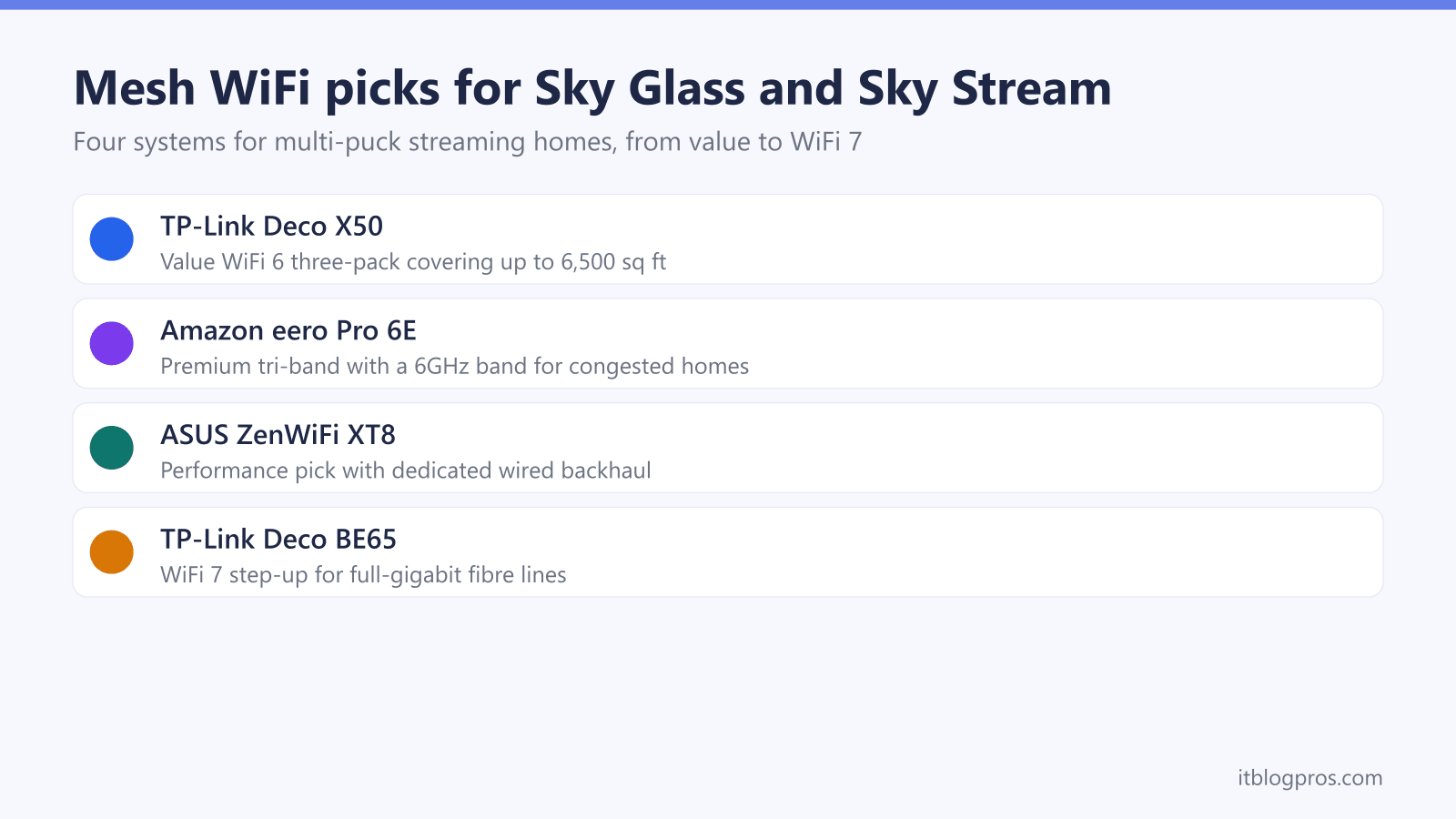
The TP-Link Deco X50 three-pack is the best mesh WiFi for most Sky Glass and Sky Stream homes, blanketing up to 6,500 square feet with WiFi 6 for a one-off price instead of Sky's rolling WiFi Max fee. The eero Pro 6E adds a 6GHz tri-band step-up, and the Deco BE65 covers WiFi 7 and wired backhaul. Sky documents no bridge mode, so run any mesh in access point mode.
Key Takeaways
- Sky Glass and Sky Stream deliver every channel over broadband, so each screen adds a constant stream of roughly 10Mbps in HD and around 25Mbps in UHD that weak WiFi turns straight into buffering.
- Sky's WiFi Max add-on costs £4 a month for the WiFi 6 Max Hub, up to three mesh pods and a 25Mbps every-room guarantee, while a one-off mesh purchase delivers far more speed and stops costing money.
- The TP-Link Deco X50 three-pack is the value pick, covering up to 6,500 square feet with dual-band WiFi 6 and three gigabit ports on every unit so a puck can be wired straight in.
- The eero Pro 6E adds a 6GHz third band for congested homes, and the Deco BE65 is the WiFi 7 step-up for full-gigabit fibre lines, which TP-Link lists with four 2.5G ports per unit and combined wired and wireless backhaul.
- Sky documents no modem or bridge mode on its hubs, so a mesh either runs in access point mode behind the hub or takes over routing with double NAT, and a puck wired by Ethernet beats any WiFi upgrade.
Sky Glass and Sky Stream turn every TV into a WiFi stream
A traditional Sky Q dish delivered live channels by satellite, so the broadband only carried on-demand extras. Sky Glass and Sky Stream work the other way round: there is no dish and no aerial, and every live channel, playlist recording and app is an internet stream. Sky quotes a minimum broadband speed of 25Mbps for the service, and in practice each screen pulls roughly 10Mbps in HD and around 25Mbps in UHD, with short peaks above that when a stream starts or skips.
The pucks make this harder than a normal streaming stick. A Sky Stream puck is a thin client, so nothing is recorded or buffered locally: recordings live in the cloud, and if the WiFi dips for a moment the picture stutters or drops immediately, because there is no stored programme to fall back on. Sky's Whole Home option allows up to six pucks in one house alongside up to three Sky Glass TVs, so a busy evening can mean three or four simultaneous UHD streams landing on the same wireless network.
Both Sky Glass generations and the puck support dual-band WiFi, with WiFi 6 on current hardware, and each carries a 10/100 Ethernet port for a wired option. Most homes run everything wirelessly, though, and that is exactly the situation where a single hub in the hallway, two walls and a floor away from the furthest bedroom TV, starts producing the freezes that make people blame the service rather than the signal.
Sky WiFi Max rents a fix for £4 a month
Sky's own answer to weak coverage is WiFi Max, the add-on that replaced Broadband Boost in 2023. For £4 a month it supplies the WiFi 6 Sky Max Hub, up to three Sky Max Pod mesh boosters, and a whole-home guarantee: at least 25Mbps in every room on Full Fibre 150 and above, or 10Mbps on slower tiers. If a room misses the guarantee, Sky sends more pods and then an engineer, and there is money back if it still cannot be fixed.
The strengths are real. There is no upfront cost, the pods are matched to the hub and managed through the My Sky app, and if anything misbehaves it is Sky's problem to solve rather than yours. For a household with one puck and a coverage gap in a single room, WiFi Max is a perfectly sensible answer.
The limits matter for multi-puck homes. The guarantee is 25Mbps per room, which is roughly one UHD stream, not three. The fee never ends, so over a typical eighteen-month contract it adds up to £72, and over four years close to £200, for hardware that goes back to being Sky's if you leave. A customer-owned mesh system costs more on day one, delivers several times the guaranteed throughput, keeps working if you switch provider, and never appears on a bill again. The rest of this guide covers the systems worth that one-off spend.
The caveats to check before buying any mesh
Sky documents no modem or bridge mode for its hubs, the Max Hub included, and customers have reported for years that no such setting appears in the app or the hub pages, which shapes every mesh setup on Sky broadband. There are two clean ways to run your own system. The first is access point mode: the Sky hub keeps handling the broadband connection and routing, its own WiFi is switched off, and the mesh simply broadcasts the wireless network. This avoids double NAT and is the right choice for most people, although some mesh features such as certain parental controls are reduced in access point mode. The second is router mode, where the mesh does its own routing behind the hub. Streaming works fine this way, but two routers handing out addresses means double NAT, which can upset port forwarding, game hosting and some VPNs.
On Full Fibre the hub plugs into an Openreach ONT, and it is possible to connect a third-party router directly to the ONT and retire the hub completely. Sky does not officially support it and anything tied to the hub, such as Sky Talk internet calls, stops working, so read the best router for Sky broadband guide before going down that road.
One more honest note on the hardware you are buying for: Sky Glass and the pucks are dual-band WiFi 6 devices with 100Mbps Ethernet ports. No mesh purchase makes a puck faster than the puck's own radio and port allow. The gains come from putting a strong, uncongested 5GHz signal near every TV, which is exactly what the picks below are chosen to do.
The picks at a glance
| Product | Best for | Key specs | Price | |
|---|---|---|---|---|
 | TP-Link Deco X50 (3-pack) Value pick | The majority of Sky Glass and Sky Stream households | WiFi 6 (AX3000) dual-band, 3 gigabit ports per unit | Check price → |
 | Amazon eero Pro 6E Premium tri-band | Congested homes on streets full of overlapping networks | WiFi 6E tri-band, 2.5GbE and gigabit ports per node | Check price → |
 | TP-Link Deco BE65 (1-pack) WiFi 7 step-up | Sky's Gigafast tiers and anyone who would rather buy once | Tri-band WiFi 7 (BE9300), four 2.5G ports per unit | Check price → |
TP-Link Deco X50 is the value three-pack for most Sky homes
The TP-Link Deco X50 three-pack is the pick for the majority of Sky Glass and Sky Stream households. It is an AX3000 dual-band WiFi 6 system, rated at 2402Mbps on 5GHz and 574Mbps on 2.4GHz, and the three-pack covers up to 6,500 square feet, which comfortably blankets a typical three or four bedroom UK house with a unit downstairs, one upstairs and one near the furthest TV.
Two details make it suit Sky streaming specifically. Each Deco carries three gigabit Ethernet ports, so the node sitting behind the living room TV can feed a puck or a Glass TV by cable while still serving WiFi to the rest of the room, and any node can take a wired backhaul connection where cabling exists. The Deco app also has a proper access point mode, which is the recommended way to run it behind a Sky hub, and TP-Link's AI-driven mesh handles roaming between nodes without creating separate networks.
The honest limitation is that a dual-band system shares its 5GHz band between the node-to-node backhaul and your devices. In a home running two or three simultaneous UHD streams through wireless backhaul, that shared band is where the ceiling sits. For most households the X50 never hits it; for the heaviest streaming homes, the tri-band picks below exist for exactly that reason.
Amazon eero Pro 6E is the premium tri-band pick
The Amazon eero Pro 6E is the step-up for congested homes. It is a tri-band WiFi 6E system with 2.4GHz, 5GHz and 6GHz radios, and a three-pack covers up to 6,000 square feet with support for well over a hundred devices. The 6GHz band is the point: the pucks cannot use it directly, but eero's TrueMesh uses every available band dynamically, so node-to-node traffic and newer laptops and phones move onto 6GHz, leaving the 5GHz band cleaner for the Sky hardware that lives there. In a street full of overlapping networks, that separation is worth paying for.
Each node carries a 2.5GbE port and a gigabit port, both auto-sensing, so wired backhaul and a wired puck are both easy, and the system runs happily in bridge mode behind a Sky hub. Setup and day-to-day management through the eero app are the simplest of any system here, and roaming between nodes is excellent, which matters when a phone follows you around the house while pucks stream in three rooms.
The caveats are the usual eero ones: there is no web interface, settings are deliberately sparse, and extras such as advanced parental controls and ad blocking sit behind the eero Plus subscription. The core mesh needs none of that to perform. For a deeper comparison of the two ecosystems in this guide, the eero vs Deco comparison covers where each one wins.
TP-Link Deco BE65 is the WiFi 7 step-up
For anyone buying with the next several years in mind, the TP-Link Deco BE65 is the WiFi 7 version of the Deco formula. TP-Link lists it as a tri-band WiFi 7 system rated BE9300 across 2.4GHz, 5GHz and 6GHz, with four 2.5 Gbps ports on every unit, WAN/LAN auto-sensing, and combined wireless and wired backhaul, which uses a cable and wireless links between units at the same time. That makes it the pick here for anyone with Ethernet between floors, since a puck, a console and a TV can all be wired at the node end while the units keep a wireless link as well. TP-Link publishes no pack coverage figure for the BE65, so size it by the one-node-per-floor rule below rather than by a number on the box. The BE65 link on this page is a single unit, so a mesh means buying at least a second unit alongside it.
The honest framing first: Sky Glass and the Sky Stream pucks are dual-band WiFi 6 devices, so no puck connects any faster to a BE65 than to a Deco X50. What WiFi 7 buys a Sky household is headroom everywhere else. The 6GHz band with wider channels gives the mesh a very fast, very clean backhaul between nodes, which is precisely the resource multiple simultaneous UHD streams consume, and the four 2.5G ports per node mean a full-gigabit or faster fibre line is never throttled by the mesh hardware. Phones, laptops and TVs bought over the next few years will increasingly ship with WiFi 7 and use it properly.
The BE65 makes sense for homes on Sky's Gigafast Full Fibre tiers, heavy streaming households that also move big files around, and anyone who would rather buy once. A household on a 150Mbps or 500Mbps line with standard demands will feel no difference over the X50 or eero Pro 6E, and should keep the savings.
Ethernet still beats every WiFi upgrade where a cable reaches
Before or even after buying a mesh, the cheapest reliability upgrade for any single screen is a cable. Every Sky Stream puck and both Sky Glass generations carry a 10/100 Ethernet port, and while 100Mbps sounds dated, a UHD stream peaking around 25 to 35Mbps fits inside it with room to spare. A wired puck is immune to channel congestion, band steering quirks and every neighbour's WiFi, which is why the Sky Stream puck Ethernet vs WiFi guide recommends wiring any puck that sits within a cable run of the router or a mesh node.
Mesh systems make this easier, not redundant. Every pick in this guide has spare LAN ports on each node, so the node behind the TV becomes the wired connection point, and only the node-to-node hop travels wirelessly. Combine that with wired backhaul between nodes, which the BE65 can run alongside its wireless links, and a multi-puck house ends up with the stability of a wired network and the convenience of WiFi for everything else.
Placement and the buffering guides finish the job
A mesh only performs as well as its placement. Put a node in the same room as, or one wall away from, each heavily used TV, keep nodes on open shelves rather than inside cabinets, and arrange them in a rough line or triangle from the hub rather than a long daisy chain, because each wireless hop costs speed. One node per floor is the working rule for a typical UK house; the coverage figures on the box assume open-plan American spaces, so treat them generously.
If a Sky screen still stutters after the network upgrade, the fault usually lies elsewhere in the chain: the broadband line itself during evening peaks, a puck that needs a restart, or a service issue at Sky's end. The Sky Glass freezing and buffering guide and the Sky Stream buffering fix guide walk through those checks step by step, from speed tests at the TV to the restart sequence that clears most one-off glitches.
The short version of this whole guide holds up well: count the screens, wire what can be wired, put a strong 5GHz signal near everything else, and buy the mesh once rather than renting the fix forever.