
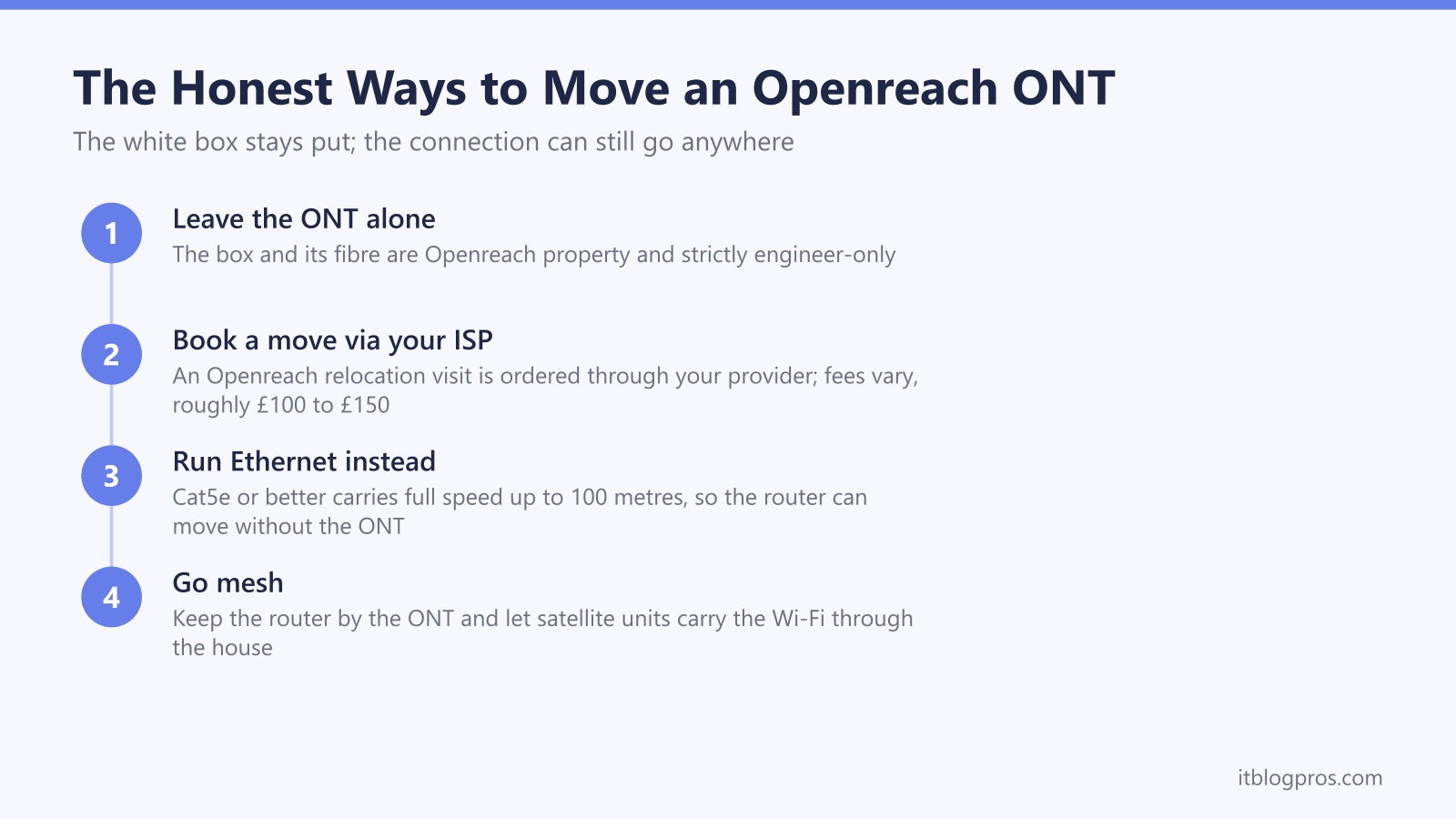
The small white box on the wall is the one piece of your broadband setup you are not allowed to touch. On an Openreach full-fibre line, the ONT is terminated onto a glass fibre, fixed to the wall and owned by Openreach, so moving it is an engineer job rather than a Saturday DIY task. The good news is that its position matters far less than most people assume. This guide covers the official relocation route through your ISP, the fees to expect, and the two cheaper fixes, a long Ethernet run or mesh Wi-Fi, that usually solve the problem without anyone touching the fibre.
You cannot move an Openreach ONT yourself. The box and its fibre belong to Openreach, the glass cable does not survive being re-run by hand, and re-terminating it is engineer-only work. The honest options are a paid Openreach relocation visit booked through your ISP, typically around £100 to £150, a long Ethernet run from the ONT to wherever the router should live, or a mesh system that makes router position irrelevant.
Key Takeaways
- The ONT and its fibre lead belong to Openreach; moving the box yourself risks a snapped fibre, days offline and a call-out charge to put it right.
- Relocations are booked through your broadband provider, never Openreach directly, and fees vary by ISP, with BT customers reporting quotes of roughly £100.
- A long Ethernet cable from the ONT to the router is the cheapest fix; Cat5e or better holds full speed up to 100 metres, so the router can live anywhere in the house.
- Mesh Wi-Fi sidesteps the problem completely by keeping the router next to the ONT and using satellite units to carry the signal through the home.
- Everything on the LAN side is safe to change yourself, including cables and router position; the fibre side of the white box is strictly engineer-only.
The Short Answer: The ONT Stays on the Wall
The ONT (optical network terminal) is the small white box that turns the light in the fibre into an Ethernet signal your router can use. It is not yours and it is not your ISP's either; it belongs to Openreach, the same way the old master socket did. Openreach's official guidance is blunt: never attempt to move, remove or interfere with its equipment, because doing so can kill your connection and can end in a call-out charge to have everything reinstated.
There is a second catch. Openreach does not deal with home customers directly, so you cannot simply ring them and book a van. Every request has to go through the company that bills you for broadband, whether that is BT, Sky, Vodafone, TalkTalk, Zen or anyone else on the Openreach network.
The box next to the ONT, your router or ISP hub, is a completely different story. That one can move as far as a cable will reach, which is the loophole the rest of this guide is built on. If you are not sure which box is which, the ONT is the unit with the fibre going into it and Openreach branding on the front; the guide to Openreach ONT lights shows exactly what a healthy one looks like.
The Fibre Is the Reason DIY Ends Badly
Inside that thin white lead is a strand of glass with a core thinner than a human hair. It tolerates gentle curves and nothing else; kink it, staple it, or pull it tight around a corner and it can crack internally with no visible damage on the outside. The run from the entry point to the ONT was measured, routed and terminated by the engineer on install day, and the connection at each end is precision work done with dedicated splicing and test equipment, not something a screwdriver and patience can reproduce. The full-fibre install day guide shows how much care goes into that first fix.
The rule is the same whichever generation of ONT is on your wall. Older installs often have larger Huawei or ECI units, some with four LAN ports from the era before Openreach dropped multiport ONTs. Newer lines get compact single-port boxes such as the Nokia XS-010X-Q and its XS-010X-R replacement or the ADTRAN SDX-631 on XGS-PON areas, and Openreach documentation now also lists Zyxel and Sercomm units. None of them has a user-detachable fibre lead designed for repositioning, and unscrewing any of them from the wall counts as tampering with Openreach plant.
Option 1: An Openreach Relocation Visit Booked Through Your ISP
Openreach will move an ONT, provided the job comes in as an order from your ISP. Ring your provider and ask for an "ONT relocation" or an "internal ONT shift". Be prepared to persist; it is an unusual request, front-line agents are often unfamiliar with it, and community reports agree it usually cannot be booked online.
On the day, the engineer surveys the new position first. It needs a mains socket nearby for the power supply, and the fibre has to be re-routed and re-terminated at the new spot, so a move to the far side of the house or a different floor is a bigger job than sliding the box a metre along the same wall. BT community threads report that if the engineer decides the move is not feasible and no work is done, no charge was applied.
On cost, there is no public consumer price list, and this is where fees genuinely vary by ISP. The underlying Openreach wholesale charge for an internal ONT shift has been reported at around £99 plus VAT, BT customers have shared quotes in the £96 to £99 range, and once an ISP adds its own handling some people have paid £120 to £150. Treat £100 to £150 as the realistic budget and get the exact figure from your own provider before agreeing. Allow a few weeks from the request to the appointment, and longer where the re-route is complicated.
Option 2: A Long Ethernet Run Moves the Router Instead
For most households this is the better answer, because the thing you actually want to move is the Wi-Fi, and the Wi-Fi comes from the router, not the ONT. The ONT is only a media converter; everything after its LAN port is standard Ethernet, and standard Ethernet runs up to 100 metres on Cat5e or better without losing speed. Cat6 comfortably covers every current Openreach residential tier over domestic distances and costs pennies more.
That means the router can live in the hallway, the loft, the office at the back of the house, anywhere a cable can reach, while the ONT stays untouched. Flat white Ethernet cable tucks under carpet and skirting, cable clips keep a run tidy along the top of a wall, and plastic trunking hides it completely. Because all of this sits on your side of the network, you can do it yourself or pay any electrician or handyman to do it neatly; no Openreach involvement, no waiting list, no fee to your ISP.
Measure the route the cable will actually take before buying, not the straight line between the two boxes, because a run that follows skirting boards, door frames and the stairs always needs more length than the gap on a floor plan suggests, and a little slack makes the ends easier to plug in. For a longer run across the house, UGREEN lists a 20m flat Cat6 Ethernet cable of the flat type described above, which keeps the router on the end of standard Ethernet while the ONT stays exactly where the engineer fitted it.
The router far from the ONT guide walks through planning the run, and if you are pairing the move with your own hardware, the own-router setup guide covers the PPPoE and DHCP settings per ISP.
Option 3: Mesh Wi-Fi Makes Router Position Stop Mattering
The third route accepts the router's location and fixes the coverage instead. Leave the router next to the ONT, then add mesh units around the house; the satellites pick up the signal and rebroadcast it, so the rooms that were struggling get strong Wi-Fi even though nothing near the ONT has changed.
Most large ISPs sell a whole-home Wi-Fi add-on that does exactly this with their own hub, usually for a monthly fee, and third-party mesh kits work with any router if you would rather buy once than rent. Mesh is the right call when the real complaint is a dead zone rather than a visible box in the wrong place, and it is the only option here that also improves coverage in rooms a single well-placed router would still miss.
A hybrid approach works well too: a single Ethernet run to a central spot, with the router or a mesh node on the end of it, often beats either fix on its own.
What Is Safe to Do Yourself
The dividing line is simple: everything on the copper side of the ONT is yours to change, everything on the glass side is not.
Safe to do yourself:
- Unplug the ONT's power briefly, for decorating or moving furniture; broadband and any Digital Voice phone service drop until it is back on and rebooted.
- Swap the Ethernet cable between ONT and router for a longer one, up to 100 metres.
- Move, replace or wall-mount the router anywhere the cable reaches.
- Plug the ONT power supply into a different nearby socket.
- Tidy and clip the Ethernet and power leads.
Not safe, ever:
- Unscrewing the ONT or its backplate from the wall.
- Pulling, stretching, re-clipping or shortening the white fibre lead.
- Drilling or nailing near where the fibre enters the room.
- Letting a builder or decorator detach the box "just for an hour".
After any planned power-down, give the ONT a couple of minutes and check its status LEDs against the ONT lights guide before assuming anything is wrong.
Costs and Timescales Compared
The three options solve different versions of the problem, and the price gap is large.
- Openreach relocation via your ISP: roughly £100 to £150 based on reported quotes, a few weeks of waiting, and the only option when the box itself genuinely must move, for example ahead of a wall coming down.
- Long Ethernet run: about £10 to £60 in cable and clips done yourself, same day; around £100 to £200 if an electrician chases it in neatly. Best value when the goal is the router in a better spot.
- Mesh Wi-Fi: roughly £80 to £250 for a third-party kit, or a monthly add-on from your ISP, working the same day. Best when the goal is coverage rather than box position.
Start with the cheapest fix that addresses the actual complaint. Most "the ONT is in the wrong place" problems turn out to be "the router is in the wrong place" problems, and those need no engineer at all.
Moving House, Renovations and Extensions
When you move out, the ONT, its power supply and the fibre stay behind. They are treated as part of the property's infrastructure, the next occupant needs them to get connected, and taking or binning them creates delay and cost for everyone involved. Take your router if you own it, and nothing else.
Renovating is where the relocation visit earns its fee. If a wall carrying the ONT is being replastered, removed or built over, book the ONT shift through your ISP well before the trades start, since the lead time is weeks rather than days. The builder must not detach it, however briefly; a snapped or contaminated fibre means an unplanned repair visit and a dead connection in the meantime.
For a new extension or garden office, the cheaper pattern is usually to leave the ONT where it is, put power and a planned Ethernet run in during first fix, and let the router or a wired mesh node serve the new space.