
Most people searching for a VPN for Virgin Media want one clear answer, not a padded list of five affiliates that all pay the same commission. Virgin runs on fast cable, so the VPN has to keep up with Gig1 and Gig2 speeds and hold its connection even when Web Safe filtering is switched on. Here is the pick for a Virgin line specifically, and the honest reasoning behind it.
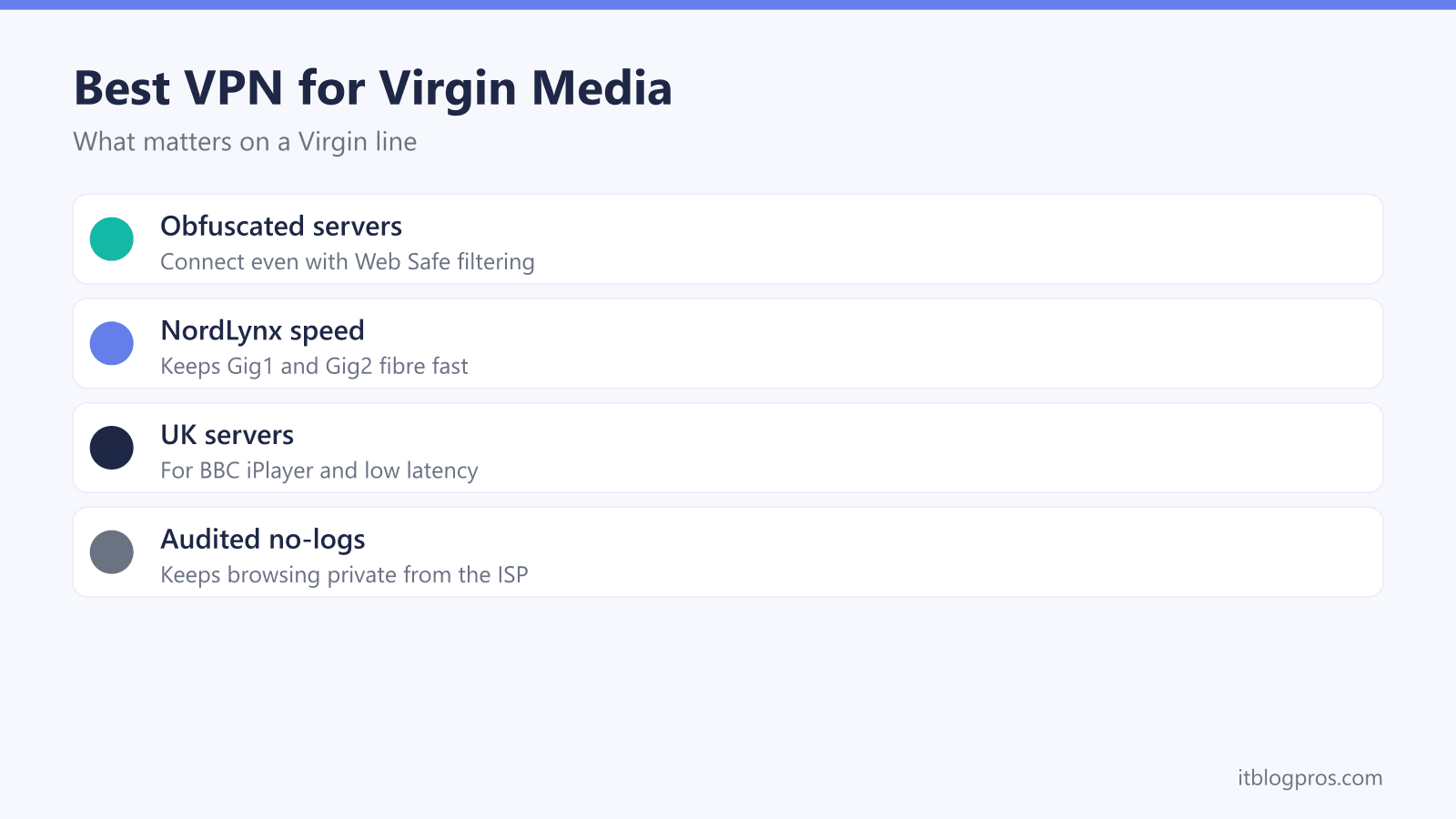
For a Virgin Media line, NordVPN is the pick, and the reason is a good fit rather than hype. Obfuscated servers keep the tunnel up even with Web Safe filtering in play, the NordLynx protocol holds speeds high on Gig1 and Gig2 fibre, and plenty of UK servers keep latency low for iPlayer and everyday browsing. An independently audited no-logs policy and a kill switch round it out.
Key Takeaways
- NordVPN is the reasoned pick for a Virgin Media line because it fits how the line behaves, not because it tops a generic chart.
- Obfuscated servers keep the connection up when Web Safe filtering or a fussy network would otherwise interfere.
- The NordLynx protocol keeps speeds high on Gig1 and Gig2, though a single encrypted tunnel will not always hit the full headline figure.
- Per-device apps need no Hub changes, and whole-home cover means a separate VPN-capable router behind the Hub; Virgin's help page says modem mode is not currently available for the Hub 5x.
- The trade-offs are a small speed cost from encryption and the need to pick a nearby UK server.
What actually matters in a VPN on a Virgin Media line
A Virgin Media connection behaves a little differently from a copper or full-fibre line, so the features that matter shift with it. Four things do the real work here, and the rest is marketing.
Obfuscated servers come first. Virgin includes a content filter called Web Safe, and some home setups are fussy about traffic they do not recognise. Obfuscated servers disguise VPN traffic so it looks like ordinary browsing, which keeps the tunnel up when filtering or network interference would otherwise knock it over. On a Virgin line this is the single most useful feature, because it turns an intermittent connection into a stable one.
Speed is the next concern, and it is where Virgin's cable really shows. Gig1 gives roughly 1Gbps down and Gig2 up to 2Gbps, so the VPN protocol has to be efficient or it becomes the bottleneck. NordLynx, built on WireGuard, is the lightweight option that keeps throughput high and latency low. Being honest about it, a single encrypted tunnel on one device will not always reach the full headline 1Gbps or 2Gbps, because encryption and the single-connection nature of a tunnel cap real-world speeds below the raw line rate. For browsing, 4K streaming, video calls and large downloads, NordLynx stays comfortably fast enough that most people never bump into a ceiling.
UK server locations matter for two reasons. Latency stays low when the server sits physically near you, which keeps gaming and video calls responsive, and a UK server is what lets you reach UK services such as BBC iPlayer that you already pay for, within those services' own terms. A provider with plenty of UK servers also gives you room to switch if one gets busy.
Finally, work out whether you need per-device or whole-home cover. Apps on phones, laptops and tablets suit most households and need no router changes at all. Devices that cannot run a VPN app, such as a smart TV or a games console, only get covered when the VPN runs on the router instead. That choice shapes the setup, which is covered below. It is also worth being clear that a VPN protects the traffic leaving your devices; it does not harden the router itself, so the usual Virgin WiFi security basics still apply on top.
Why NordVPN is the pick for Virgin Media
This is a reasoned single pick, not a five-way affiliate list dressed up as a review. Measured against the features that actually matter on a Virgin line, NordVPN lines up cleanly.
It runs obfuscated servers, so the connection holds even with Web Safe filtering or a picky network in the mix. Its NordLynx protocol is the WireGuard-based option that keeps speeds high on Gig1 and Gig2, which is exactly what fast cable needs. It carries an independently audited no-logs policy, meaning outside firms have reviewed the claim that it does not keep records of what you do online, rather than asking you to take that purely on trust. There is a broad set of UK servers for low latency and UK services, and a kill switch that cuts your traffic if the tunnel drops, so nothing leaks unencrypted in the gap.
A couple of extras are worth a mention without overselling them. NordVPN's Threat Protection can block trackers, intrusive ads and known malicious sites at the network level, which is a real bonus on a home line rather than a core reason to pick it. Each account also covers a set number of simultaneous connections, so a very large household should check the current device limit before signing up, though for most homes it is more than enough.
None of that makes it magic. It will not make a slow line faster than the line itself, and it does not unblock everything everywhere. What it does is match the Virgin use case point for point, which is the honest reason it earns the recommendation here rather than a generic "best in the world" badge. NordVPN also runs a 30-day money-back guarantee, so trying it on your own line carries little risk if it turns out not to suit you.
Get NordVPN for Virgin Media →
Setting up NordVPN on a Virgin Media connection
For almost everyone, the app-per-device route is the right call. Download the NordVPN app, sign in, and connect to a nearby UK server. Nothing on the Virgin Media Hub needs to change, and the same three steps work on Windows, Mac, iOS and Android, so one account can cover a whole household's phones, laptops and tablets. The full walkthrough lives in the best way to use NordVPN with Virgin Media WiFi guide.
Whole-home cover is the other option, and it works differently. The Virgin Media Hub cannot run VPN client software itself, so the method is to put the Hub into modem mode and connect a separate VPN-capable router that you set up with NordVPN. Every device behind that router is then covered, including the ones that cannot install an app. Virgin's help page says modem mode is not currently available for the Hub 5x, so on that Hub the VPN router sits behind a Hub that is still routing; once it is set up, open an IP address checker on a device connected to the VPN router and confirm it shows the NordVPN server's country. If that is the route you want, the set up NordVPN on a router guide covers the configuration end to end.
One practical note on the whole-home route: not every router can run a VPN client, so the model you pair with the Hub needs to support OpenVPN or WireGuard in its firmware. Plenty of mid-range routers do, and some run custom firmware built for it. The apps stay the easier path for most people, and the router setup is best kept for households that specifically want console, smart TV and streaming-stick traffic covered without touching each device one by one.
When Virgin Media looks like it is blocking your VPN
Virgin does not block VPNs as a matter of policy, so a connection that will not hold is almost always filtering or a fussy network rather than a deliberate ban. The fixes are quick and they all live inside the NordVPN app.
Turn on obfuscated servers first. That disguises the VPN traffic and is the change that clears most Virgin-related connection trouble. Obfuscation runs on the OpenVPN protocol, so select OpenVPN in the app settings before choosing an obfuscated server. If it still stalls, switch the protocol to OpenVPN TCP on port 443. Port 443 is the same port ordinary HTTPS websites use, so the traffic blends in and is rarely filtered. Keep the kill switch on through all of this, so nothing slips out unencrypted while you swap settings.
One thing that is not usually the culprit: Virgin routes some customers through shared public addresses, known as CGNAT, which mainly affects incoming connections and port forwarding rather than general VPN use. It is worth knowing about, but it is rarely why a VPN will not connect for browsing or streaming.
The honest trade-offs worth knowing
Two caveats keep this honest. Encryption adds a little overhead, so expect a small speed reduction with any VPN, on any line. Picking a nearby UK server keeps that to a minimum, and on Gig1 or Gig2 the drop is rarely something you would feel day to day. If your speeds already feel low before a VPN goes anywhere near them, that is a separate issue worth ruling out first, and it helps to know whether Virgin actually throttles your connection rather than assuming a VPN will paper over it.
The second caveat is expectation setting. A VPN encrypts your traffic and hides your IP address, which is real privacy on your home network and on public WiFi. It is not a magic unlocker and it is not total anonymity. Treated as a solid privacy and security layer rather than a miracle, it earns its place on a Virgin line comfortably, and NordVPN is the version of that layer best matched to how Virgin behaves.