
Cox charges a monthly rental for the Panoramic WiFi gateway that sits in most of its customers' homes, and that fee runs indefinitely once the introductory period ends. Buying a Cox-certified DOCSIS 3.1 modem lets a cost-conscious customer hand the gateway back and keep the money. This guide covers the modems Cox actually certifies, how to match one to a Cox speed tier, the honest payback math, and the one situation where owning a modem is not the right move.
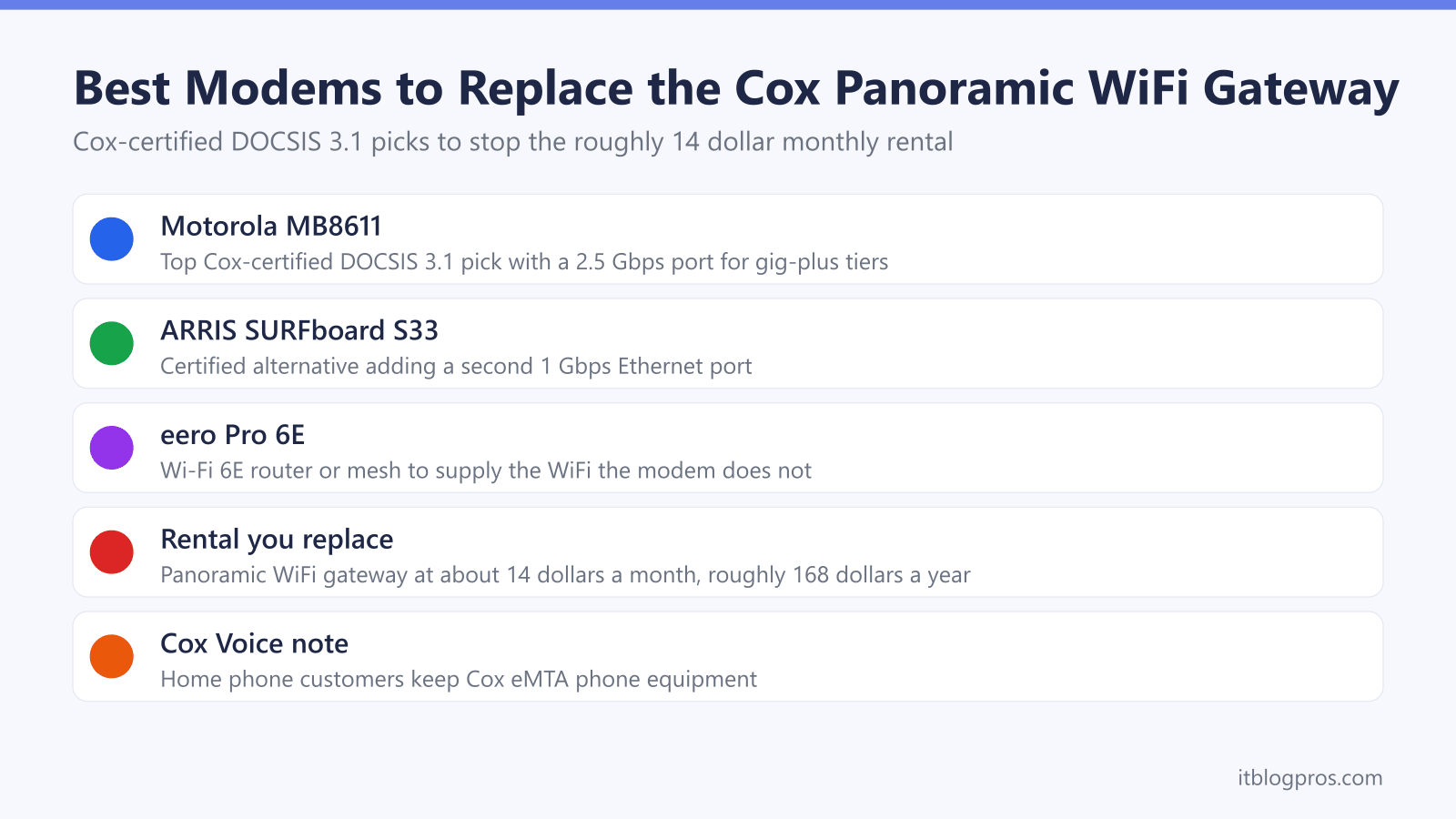
Cox rents the Panoramic WiFi gateway for roughly 14 dollars a month once the promo period ends, so a customer-owned modem pays for itself. The Motorola MB8611 is the top Cox-certified DOCSIS 3.1 pick with a 2.5 Gbps port, the ARRIS SURFboard S33 is the strong alternative, and an eero Pro 6E supplies the WiFi. Cox Voice customers keep Cox phone equipment.
Key Takeaways
- Cox rents the Panoramic WiFi gateway for about 14 dollars a month after the introductory period, which a customer-owned modem eliminates entirely.
- The Motorola MB8611 is the top Cox-certified DOCSIS 3.1 pick, with a 2.5 Gbps Ethernet port that carries Cox gig-plus tiers without capping.
- The ARRIS SURFboard S33 is the certified alternative, adding a second 1 Gbps Ethernet port alongside its 2.5 Gbps port.
- A modem alone provides no WiFi, so a separate router or mesh such as the eero Pro 6E is needed to cover the home.
- Cox Voice customers must keep Cox-supplied phone equipment, because third-party modems have no telephone port and cannot carry Cox home phone service.
The picks at a glance
| Product | Best for | Key specs | Price |
|---|---|---|---|
| Motorola MB8611 Top pick | Most people replacing the Panoramic gateway, on Cox cable tiers through gig-plus | DOCSIS 3.1, single 2.5 Gbps Ethernet port | Check price → |
| ARRIS SURFboard S33 Alternative pick | Households that want the second Ethernet port, or whichever is the better price | DOCSIS 3.1, one 2.5 Gbps and one 1 Gbps Ethernet port | Check price → |
| eero Pro 6E | Adding the WiFi a modem alone does not provide, plugging into either modem's 2.5 Gbps port | Tri-band Wi-Fi 6E mesh, one or more nodes | Check price → |
Cox Rents the Panoramic WiFi Gateway and a Bought Modem Ends the Fee
Cox supplies most homes with the Panoramic WiFi gateway, an all-in-one modem and router. Cox includes it free for the first two years on many plans, then charges roughly 14 dollars a month once that promotional window closes, and some accounts see closer to 15 dollars. That fee never stops and never earns equity. Returning the gateway and running a Cox-certified modem removes the charge completely. This is genuinely different from Spectrum, which includes the modem at no cost and instead bills a separate WiFi service fee, so on Cox the modem purchase is a real, recurring saving rather than a wash. The only requirement is that the modem sits on the Cox certified list, because Cox will not activate a device that is not on it, even a brand-new DOCSIS 3.1 unit. Before buying, confirm the current balance and check the modem status through the Cox account, which can be reviewed on the Cox bill-pay page.
Match the Modem to the Cox Speed Tier With DOCSIS 3.1 and a 2.5 Gbps Port
Cox plans run from about 100 Mbps up to 2 Gbps. For any gig or gig-plus tier the modem needs to be DOCSIS 3.1 with a 2.5 Gbps Ethernet port, because a plain 1 Gbps port would cap real throughput below the plan speed. DOCSIS 3.1 is the target standard and is fully backward compatible, so it also serves the slower Cox tiers without issue and leaves headroom for a future upgrade. One honest caveat: the top 2 Gbps Cox tier, marketed as Go Beyond Fast, is delivered over fiber to the home where available rather than the cable network, and a fiber connection does not use a DOCSIS cable modem at all. A certified cable modem covers the DOCSIS tiers up through gig-plus, which is where almost every Cox modem buyer sits. If the household runs Cox home phone service, note the restriction covered further down before ordering.
Top Pick: Motorola MB8611 Cox-Certified DOCSIS 3.1 Modem
The Motorola MB8611 is the standout Cox-certified choice and has its own dedicated entry on the Cox certified modem support pages, added to the approved list for Cox Gigablast. It is a DOCSIS 3.1 modem with a single 2.5 Gbps Ethernet port, rated to roughly 2,500 Mbps downstream, so it carries every Cox cable tier through gig-plus without becoming the bottleneck. Active Queue Management keeps latency low for gaming and video calls, and it pairs with any router or mesh system. It has no telephone jack, which is expected for a data modem and matters only for Cox Voice households. For most people replacing the Panoramic gateway, this is the modem to buy.
Check the Motorola MB8611 price on Amazon →
Alternative Pick: ARRIS SURFboard S33 Cox-Certified DOCSIS 3.1 Modem
The ARRIS SURFboard S33 is the strong alternative, tested and qualified for Cox and on the certified path alongside the MB8611. It is also DOCSIS 3.1 and adds flexibility with two Ethernet ports: one 2.5 Gbps and one 1 Gbps, which suits a household that wants to hardwire a high-speed router and a second device directly. Like the Motorola, it handles Cox cable tiers up through gig-plus and pairs with any WiFi router or mesh. Pick the S33 over the MB8611 when the second Ethernet port is useful, or simply when it is the better price at the moment of purchase. Both are certified, so either one activates cleanly on a Cox internet-only line.
Check the ARRIS SURFboard S33 price on Amazon →
Add a Router or Mesh for WiFi With the eero Pro 6E
A modem alone does not broadcast WiFi. The Panoramic gateway combined the modem and router, so replacing it means adding a router or mesh system to cover the home. The eero Pro 6E is a clean pairing: it is tri-band Wi-Fi 6E, covers a house with one or more nodes, sets up from a phone app, and plugs straight into the 2.5 Gbps port on either modem above to pass full gig-plus speed to devices. Buying the router once is still cheaper over time than the recurring gateway rental, and it usually delivers better coverage and control than the all-in-one unit it replaces. For a smaller apartment a single node is enough; for a larger or multi-floor home, add a second node for even coverage.
Check the eero Pro 6E mesh price on Amazon →
The Savings Math and Payback Period
The saving is straightforward. At about 14 dollars a month, the Panoramic gateway rental costs roughly 168 dollars a year, every year, indefinitely. A Motorola MB8611 or ARRIS SURFboard S33 is a one-time purchase, so the modem typically pays for itself within the first year and then saves the full rental fee for as long as the line stays active. Adding a router such as the eero Pro 6E raises the upfront cost, but that hardware is bought once and replaces a rental that would otherwise keep charging forever. Over three years the rental alone runs to roughly 500 dollars, which comfortably exceeds the cost of a certified modem and a solid router. The break-even point on a modem-only swap is usually a few months; on a modem-plus-router swap it is roughly a year, after which everything is saving.
Cox Voice Customers Keep Cox Phone Equipment
There is one important exception. A household with Cox Voice home phone service cannot move its phone line onto a retail modem. Cox phone service runs on an eMTA voice modem that must be supplied by Cox, and third-party data modems like the MB8611 and S33 have no telephone port, so they cannot carry the phone line even though they are certified for internet. Cox provides the voice equipment for phone service, so a Voice customer who buys a data modem would still need the Cox unit for the phone line, which undercuts the saving. If home phone service runs through Cox, keep the Cox equipment, or confirm the phone setup before switching. If the gateway is showing trouble rather than being replaced, the Cox Panoramic gateway light guide helps read the status lights first.