
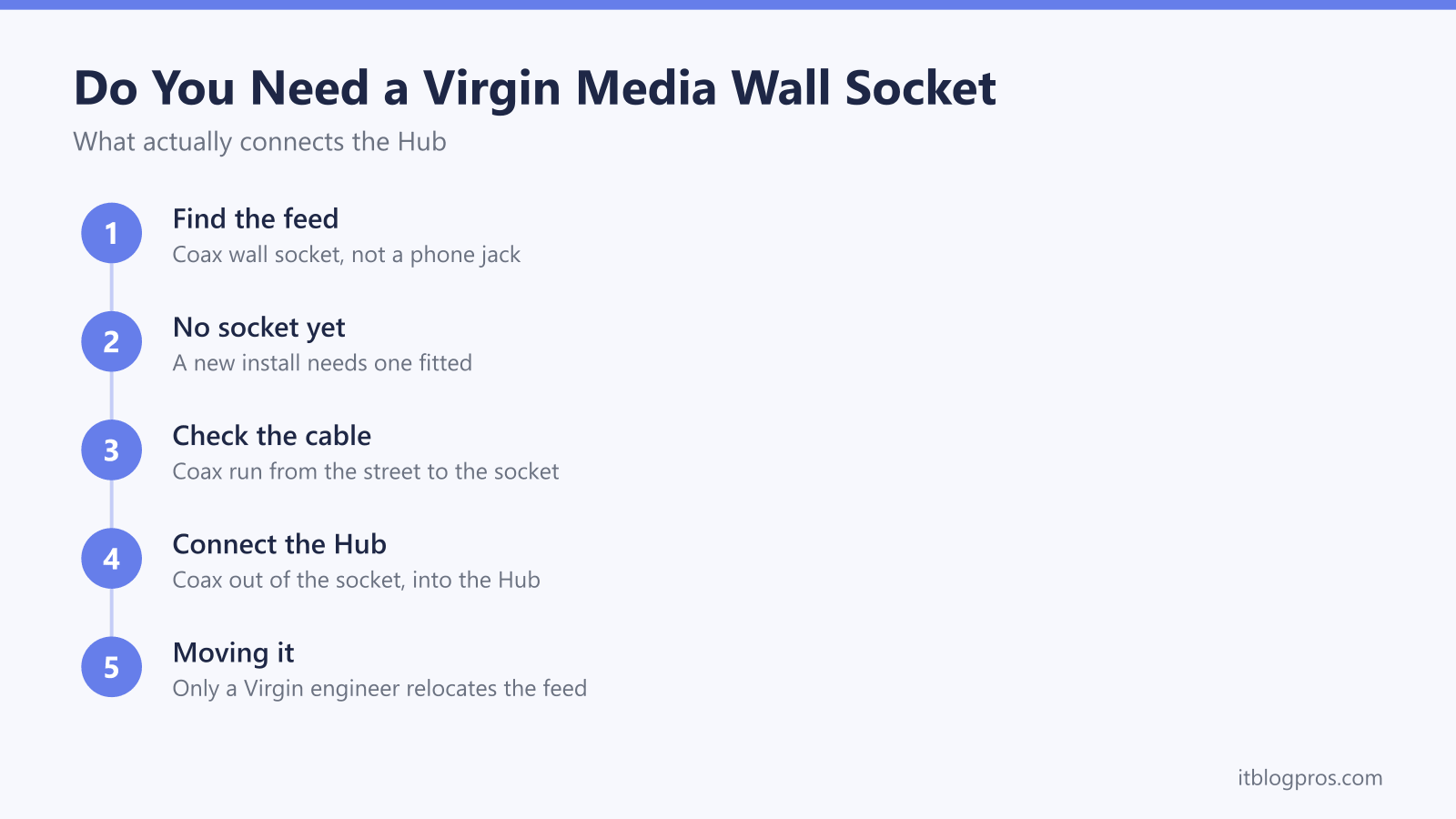
Every Virgin Media service, cable broadband, gig-speed fibre or TV, reaches the house through one specific fitting: a coax wall socket that looks nothing like a BT phone jack. New customers and people moving into new builds often cannot find one, or confuse it with the phone socket sitting nearby on the same wall. This guide sets out what the socket actually is, what happens when Virgin fits one, who is allowed to move or add one, and how to tell a genuine fault from a loose connector.
Yes, a Virgin Media connection needs a coax wall socket, and if the property does not have one, a Virgin Media engineer fits it as part of the installation. It is a dedicated coax fitting, not a BT phone socket, and it cannot be skipped, wired around or self-installed. Moving or adding a socket later also needs a Virgin Media engineer, because the coax feed belongs to Virgin's network, not the customer's home wiring.
Key Takeaways
- Every Virgin Media service comes into the property through a dedicated coax wall socket, not a BT-style phone jack.
- A missing socket is not a dead end; a Virgin Media engineer fits one as a normal part of the first installation visit.
- Only a Virgin Media engineer can move an existing socket or add a new one, because the coax feed is part of Virgin's network rather than customer wiring.
- A socket that looks dead is often just a loose coax connector or the wrong socket in a multi-socket house, worth checking before booking an engineer.
- Virgin Media's cable and fibre network does not touch the BT phone line at all, so a dead phone socket in the house has no bearing on getting online.
The Wall Socket Is a Coax Point, Not a Phone Jack
The socket that Virgin Media's cable and fibre services connect through is a small, round coax fitting, usually finished in white or grey, with a threaded connector protruding from the middle. It sits apart from any BT-style phone socket in the house, and the two are not interchangeable; a phone jack has flat pins for a phone plug, while the Virgin socket takes the round coax cable running to the Hub. Some properties have Virgin branding printed on the faceplate, others are a plain, unmarked box, so the connector shape is the giveaway rather than any label.
This socket is the point where Virgin's own coax cable, run from a street cabinet, pole or underground duct, ends inside the property. Everything from that point back towards the street belongs to Virgin's network; everything from the socket into the house, the short coax lead into the Hub, is the only part the customer handles. On newer full fibre builds the equivalent fitting is an ONT rather than a coax socket, and a full fibre install day follows a similar pattern for comparison, but the same principle holds either way: the network operator's cable terminates at a fixed point, and that point cannot be bypassed.
A Coax Socket Is Required, No Way Around It
There is no version of a Virgin Media connection that skips the wall socket. Cable and Virgin's own fibre network both rely on that coax termination point to get a signal into the Hub, so a property either already has one fitted from a previous occupant, or a Virgin engineer fits one as part of getting the service connected. New builds, recently renovated houses and flats converted from a single dwelling are the most common places to find no socket at all, and none of that means the service cannot be installed; it just means the first appointment includes fitting the socket rather than plugging into an existing one.
Anyone who books a Virgin Media package and then cannot locate a socket anywhere in the property should not assume the order has gone wrong. Closing that gap is exactly what the engineer visit is for, and turning up without a socket already fitted is a normal, planned part of a first connection rather than a sign of a problem.
What Happens During a Virgin Media Installation
On the day, the engineer's job covers two halves: getting the coax cable from Virgin's network into the property, then fitting and testing the socket and the Hub. The external portion involves running a cable from the nearest connection point, whether that is a pole, an underground duct or a shared cabinet, up to the outside wall. The internal portion is drilling through to bring the cable indoors and terminating it at a wall socket in an agreed location, usually near where the Hub will sit.
Exactly how the cable is routed inside a particular wall or under a particular floor is not something worth guessing at generically; Virgin's engineers assess each property on the day and choose a practical run, and the details vary from house to house. Once the socket is fitted, the engineer connects the Hub, checks the signal levels are within range, and confirms broadband and TV, where included, are working before leaving. From there, getting into the Hub's own settings, changing the WiFi name or password, or checking connected devices, is done through the Virgin Media Hub login page rather than anything to do with the socket itself.
Moving or Adding a Socket Needs a Virgin Media Engineer
This is where Virgin's setup differs from the old BT phone system some readers remember. A BT phone extension could once be wired by a competent customer using an extension kit clipped along the skirting board, because that phone socket sat on the customer's side of the network boundary. A Virgin Media coax socket does not work the same way; the coax cable and its termination are part of Virgin's own network rather than customer premises wiring, so drilling a new socket, extending the cable run or relocating an existing socket to another room all need a Virgin Media engineer.
Requesting a move or an extra socket means contacting Virgin Media and booking a service visit rather than treating it as a DIY job. It is also worth checking whether the visit carries a charge before booking; engineer work that goes beyond a basic first install, additional outlets included, can attract a fee on top of the standard service. What to expect from that kind of visit, including how long it typically takes and what the engineer brings, is covered in the Virgin Media engineer visit guide.
Troubleshooting a Socket That Looks Dead
Before assuming a socket has failed, check the basics. The coax connector on the back of the Hub and the one at the wall socket should be screwed in fully, not just pushed on; a connector that is only part-engaged is a common, easily fixed cause of no signal at all. In houses with more than one socket, whether left over from a previous provider's setup or an older multi-room installation, it is also worth checking that the Hub is plugged into the live Virgin socket rather than a redundant one left by a previous tenant or a different service.
If the connections are solid and the correct socket is confirmed, but there is still no signal reaching the Hub, that points to a fault on Virgin's side of the network rather than anything fixable at the wall plate. At that stage the right move is reporting it to Virgin Media rather than continuing to self-diagnose; opening up the socket or the cable run any further is not something to attempt, since it sits on Virgin's network rather than customer wiring. Once the socket itself is confirmed working, ongoing WiFi problems, drops or slow speeds are usually a Hub or router issue rather than a socket one, and that is a separate troubleshooting path covered in the guide to fixing Virgin Media WiFi that is not working.
No BT Phone Line Needed for Virgin Media
A common point of confusion is assuming Virgin Media broadband depends on a working BT phone line, the way old ADSL connections did. It does not. Openreach-based broadband, ADSL and most full fibre included, runs over a phone line or a fibre replacement for one, which is why those services need a working master phone socket. Virgin's cable and fibre network is entirely separate infrastructure with its own coax cable and its own wall socket, so a dead or disconnected BT phone socket in the house has no bearing on whether Virgin Media broadband works.
That separation is also why a property can have a working Virgin Media socket and a completely dead phone socket at the same time, or the reverse, without either affecting the other. Anyone troubleshooting a Virgin Media connection should treat the phone socket as irrelevant and focus on the coax socket and the Hub instead.