
BT hands almost every customer a Smart Hub, and for plenty of homes that hub is perfectly fine. The trouble starts when the walls are thick, the house is long, or a stack of devices all want bandwidth at once. That is when a better router earns its keep. Where the real complaint is the connection dropping out rather than failing to reach the far end of the house, work through the fixes for BT WiFi that keeps dropping first, because new hardware will not cure a line or hub fault. This guide covers the routers that genuinely suit a BT line, sorted into a clear top pick, a value pick and a mesh pick, with each choice justified for how BT actually delivers broadband. It also gives the honest version of using your own kit on BT, because BT documents no bridge mode for the residential Smart Hub and the right approach depends on whether the line is full fibre or FTTC.
BT supplies the Smart Hub 2, and the newer Smart Hub 3 brings Wi-Fi 6 to residential lines. Both work for most homes, yet a third-party router can deliver stronger coverage and steadier speeds. BT broadband accepts your own router over PPPoE, and the setup differs between full fibre and FTTC. This guide names the routers worth buying and explains the swap clearly.
Key Takeaways
- The BT Smart Hub 2 supports ADSL, FTTC, FTTP and G.fast on Wi-Fi 5, while the newer Smart Hub 3 adds dual-band Wi-Fi 6 and is rolling out to residential customers.
- A tri-band Wi-Fi 7 standalone router such as the TP-Link Archer BE550 suits a busy single-floor or smaller home, with the TP-Link Archer AX73 as the value choice.
- Whole-home coverage across several floors is the job of a mesh system like the TP-Link Deco X50 or Amazon eero 6+, not a single box.
- BT documents no bridge mode for the residential Smart Hub, so your own router connects over PPPoE using the login BT Community threads report, [email protected] with BT or a blank password.
- Full fibre lets your router plug straight into the Openreach ONT, while FTTC needs built-in VDSL plus VLAN ID 101, so check the line type before buying.
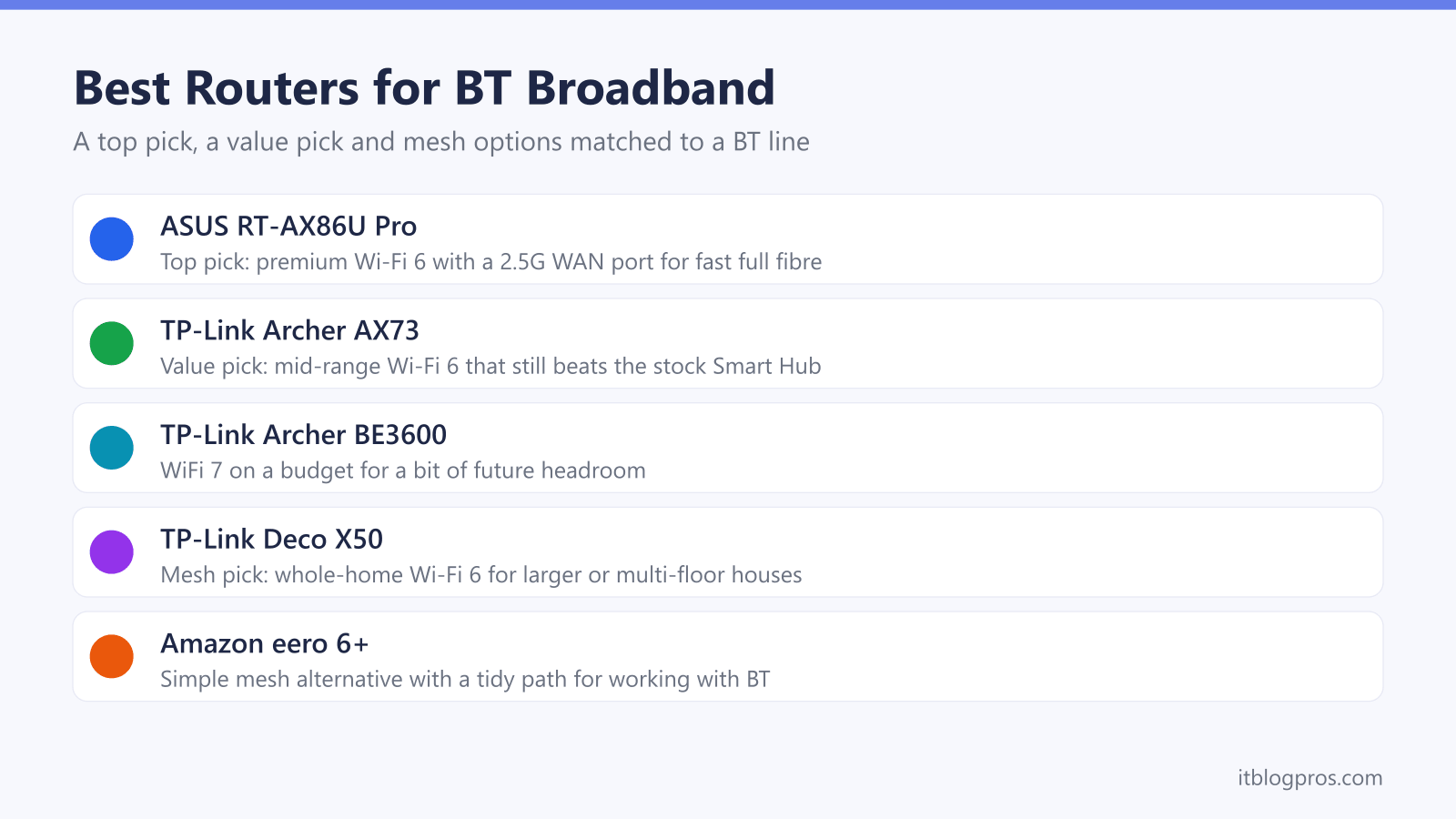
The picks at a glance
| Product | Best for | Key specs | Price | |
|---|---|---|---|---|
 | TP-Link Archer BE550 Top pick | Busy homes wanting WiFi 7 and 2.5G wired ports | Tri-band WiFi 7 (BE9300), 2.5G WAN, four 2.5G LAN | Check price → |
 | TP-Link Archer AX73 Value | Most homes, the sensible-money upgrade | WiFi 6 (AX5400), gigabit, six antennas | Check price → |
 | TP-Link Archer BE3600 WiFi 7 value | Future-proofing on a budget | WiFi 7 (BE3600), 2.5G WAN, one 2.5G and three 1G LAN | Check price → |
 | TP-Link Deco X50 Mesh | Large or multi-floor homes with dead zones | WiFi 6 mesh (AX3000), whole-home | Check price → |
 | Amazon eero 6+ Simple mesh | Plug-and-play whole-home coverage | WiFi 6 mesh (AX3000), app-driven | Check price → |
How BT Delivers Broadband Shapes the Router You Need
Picking the right router starts with how the line reaches the house. BT runs three main technologies. Full fibre, branded Full Fibre or FTTP, brings an Openreach fibre straight to the property and terminates in a small white box called an ONT. FTTC, sold as Fibre 1 and Fibre 2, runs fibre to the street cabinet and copper for the last stretch, so it relies on VDSL over the phone line. Older ADSL lines are slower copper-only connections still found in some areas.
The line type matters because it decides what a replacement router must do. On full fibre the ONT handles the fibre signal, so any router with an Ethernet WAN port can take over. On FTTC the router itself needs a built-in VDSL modem, because the modem normally lives inside the Smart Hub. Get this wrong and a perfectly good router will sit there with no connection. Check the line type in the BT account or on the broadband paperwork before spending anything.
The BT Smart Hub Line-Up Sets the Baseline
BT has shipped several hubs over the years, and knowing which one is in the house frames whether an upgrade is worthwhile. The current mainstream router is the BT Smart Hub 2. It carries seven antennas, runs Wi-Fi 5, and uniquely supports every BT access type from ADSL through FTTC and FTTP to G.fast. It also has a phone socket on the back and is the hub required for BT Digital Voice.
The newer BT Smart Hub 3 is now rolling out to residential customers after a spell on BT Business lines. It steps up to dual-band Wi-Fi 6 with theoretical peaks of 2400Mbps on 5GHz, keeps the seven-antenna design and adds Hub Threat Protect security at the network level. Older homes may still have a plain Smart Hub on Wi-Fi 5 or a Home Hub 4 or 5, both of which are well behind a modern router. If the hub is a Home Hub or the first Smart Hub, an upgrade brings the clearest gains.
The Top Pick for a Busy BT Home
For a single-storey flat or a typical house where most devices sit on one or two floors, a strong standalone router beats a hub comfortably. The TP-Link Archer BE550 is the pick here. TP-Link rates it as a tri-band Wi-Fi 7 router at BE9300 and lists a dedicated 2.5 Gbps WAN port with four 2.5 Gbps LAN ports, which gives the connection headroom above gigabit should a faster full fibre tier arrive. TP-Link also lists QoS by Device, which lets a work laptop or a games console be put ahead of everything else on the network.
On full fibre it plugs into the Openreach ONT and runs the line over PPPoE, which TP-Link lists among its WAN types, replacing the Smart Hub entirely. On FTTC it cannot dial the line on its own, since its WAN port is Ethernet rather than a VDSL modem, so it works best behind a Smart Hub or an Openreach VDSL modem. Either way the Archer BE550 takes over the Wi-Fi from the stock hub. For a demanding household that does not need whole-home mesh, it is the top pick.
The Value Pick That Still Beats the Hub
Not every home needs a premium router, and the TP-Link Archer AX73 proves a mid-range Wi-Fi 6 box can comfortably out-perform a stock Smart Hub. It offers six antennas, solid range for a flat or a small-to-medium house, and a price that makes the upgrade easy to justify.
The AX73 connects the same way as any third-party router on BT. On full fibre it takes the ONT feed directly over PPPoE. On FTTC it sits behind the existing Smart Hub or an Openreach modem and improves the Wi-Fi without touching the underlying line. For anyone whose only real complaint is that the hub struggles to reach the back bedroom, and who does not want to spend big, this is the sensible buy. Those who want WiFi 7 headroom on a budget can look at the TP-Link Archer BE3600 instead, which brings the newer standard at a similar value price.
Check the TP-Link Archer AX73 price on Amazon UK →
The Mesh Pick for Whole-Home Coverage
A single router, however good, cannot beat physics. Large houses, homes over three floors, and anywhere with thick stone walls or long extensions need mesh, where several units blanket the property with one seamless network. For BT lines the TP-Link Deco X50 is the strong all-round choice. It is a Wi-Fi 6 mesh, easy to set up through an app, and a multi-pack covers most family homes without dead spots.
The Amazon eero 6+ is the simplest alternative for anyone who wants mesh with minimal fuss, and it has a tidy, well-documented path for working alongside BT. On full fibre a mesh system can take the ONT feed directly, and on FTTC it runs behind the Smart Hub or modem as the Wi-Fi layer. A mesh is the honest fix when the problem is reach across a whole property rather than raw speed in one room. Where the layout is mostly fine and only one corner drops out, a single extender like the TP-Link RE705X can be the cheaper, more proportionate answer.
Check the TP-Link Deco X50 mesh on Amazon UK →
Check the Amazon eero 6+ mesh price on Amazon UK →
Using Your Own Router on BT the Honest Way
BT broadband does accept third-party routers, but the Smart Hub makes it less tidy than it should be. BT publishes no bridge mode for the residential Smart Hub, so the clean approach depends on the line. BT's declaration of conformity lists the BT Smart Hub 2 and Business Smart Hub 2 under one model number, and BT Business documents putting its Smart Hub 2 into modem-only mode, but BT's residential help pages say nothing about bridging, so check Advanced Settings, Broadband on your own hub for a Routing tab rather than planning around it. The same four routes apply across every provider, and the wider guide to using your own router with any UK ISP sets out the equivalent options for Virgin Media, Sky and EE.
On full fibre the job is genuinely simple. Unplug the Smart Hub, connect the new router's WAN port to the Openreach ONT, and set up a PPPoE connection. The username is [email protected], the password can be BT or left blank, and authentication is CHAP. No VLAN tagging is needed. On FTTC the router must have a built-in VDSL modem, or sit behind a separate Openreach VDSL modem, because BT documents no bridge mode for the residential Smart Hub. The same PPPoE credentials apply, but FTTC also requires VLAN ID 101. One caveat worth stating plainly: BT only supports its own equipment, so the setup and any troubleshooting of a third-party router is down to the owner. For anyone who wants the easiest life, running the new router behind the Smart Hub avoids all of this and still upgrades the Wi-Fi. If you want the hub's own Wi-Fi off so the two networks do not compete, BT's Wi-Fi on and off help does not recommend turning wireless off and has no Smart Hub 2 section, so check the Wireless settings in BT Hub Manager at 192.168.1.254 for a switch.