
Optimum (Altice) charges up to about $14 a month to rent its modem or gateway, and on standalone cable internet that fee is optional. Supplying an Optimum-approved DOCSIS 3.1 modem removes the rental line for good and usually pays for itself inside a year. This guide covers the honest savings math, the one catch that decides whether owning a modem even helps on your account, exactly which modems Optimum will provision, and which two make the strongest picks. It is the commercial companion to the Optimum bill-pay guide and the wider US gateway cluster, so it links across to the pages that already help readers cut an Optimum bill.
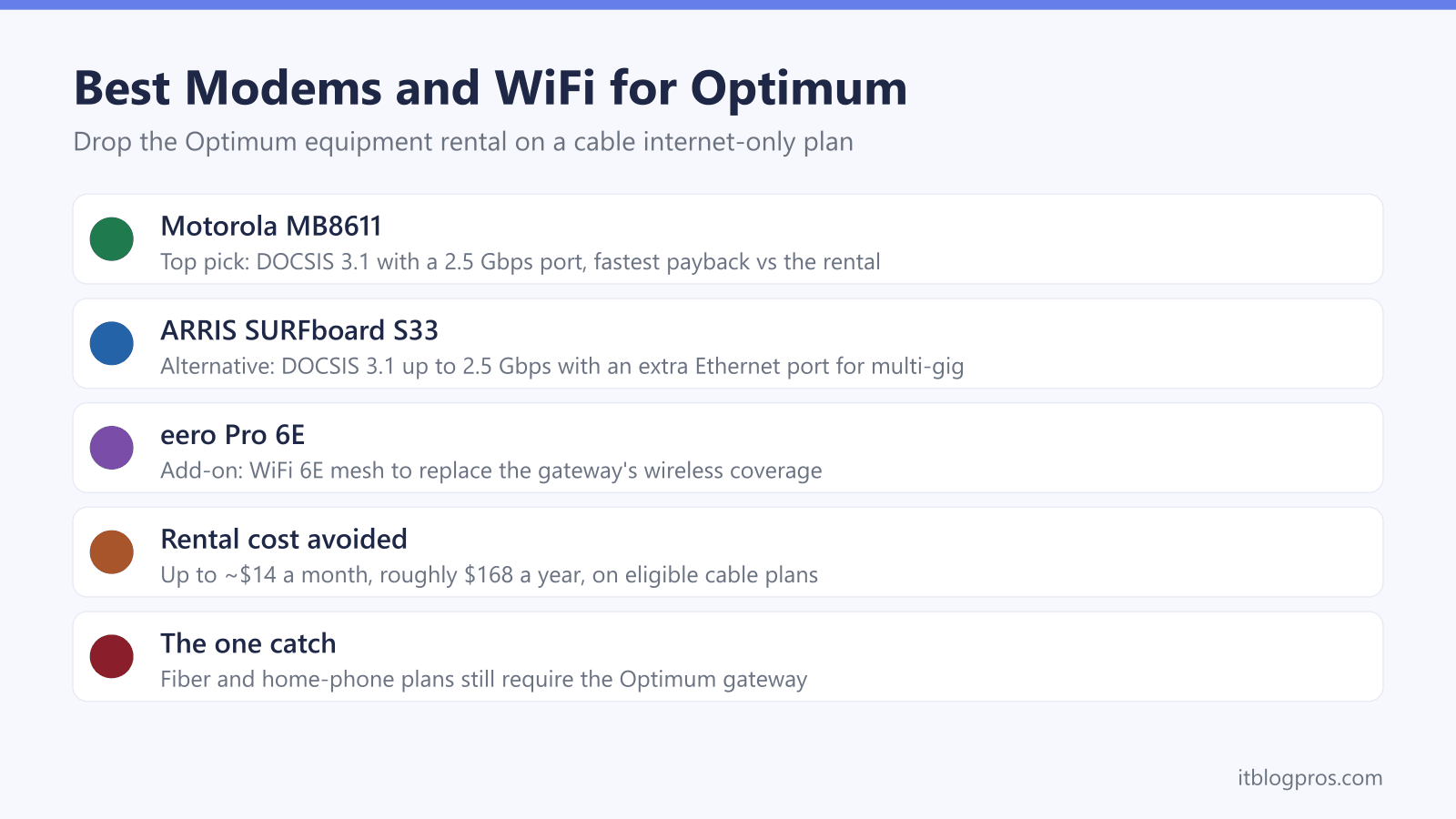
Optimum rents its modem or gateway for up to about $14 a month, and cable internet-only customers can drop that fee by supplying their own Optimum-approved DOCSIS 3.1 modem. The Motorola MB8611 is the top pick with a 2.5 Gbps port, the ARRIS SURFboard S33 is the multi-gig alternative, and a router or mesh handles WiFi. Fiber and home-phone plans still require the Optimum gateway.
Key Takeaways
- Optimum charges up to about $14 a month for equipment, often starting at a promotional $5 a month, so the rental can reach roughly $168 a year for hardware that is never owned.
- Only cable internet-only accounts can drop the fee with a customer-owned modem, because Optimum fiber and any plan with home phone require the Optimum gateway.
- Optimum runs a restricted approved-modem list and provisions only DOCSIS 3.1 models, so the exact model must be confirmed against Optimum's current certified list before buying.
- The Motorola MB8611 is the top pick at around $130 with a 2.5 Gbps port, breaking even against the rental in under a year and saving money every year after.
- A customer-owned modem carries no built-in WiFi, so a separate router or mesh such as the eero Pro 6E is needed to replace the gateway's wireless coverage.
The Optimum equipment fee quietly costs up to $168 a year
Optimum bills equipment as a monthly rental for the modem or the combined modem-and-WiFi gateway. The charge can start as a promotional $5 a month for the first 12 months and rises to as much as $14 a month after that. On a single statement it looks minor, but it is a recurring line for hardware that never becomes property no matter how long it is paid.
Over time the total adds up fast:
| Time renting | Total paid at ~$14/mo |
|---|---|
| 1 year | ~$168 |
| 2 years | ~$336 |
| 3 years | ~$504 |
| 5 years | ~$840 |
The fee is separate from the internet plan price, and current promotions do not last. Buying an approved modem once removes that line from the bill for good on the plans where owning is allowed.
The catch that decides whether owning a modem saves anything
This is the one rule to check before buying. A customer-owned modem only removes the fee on a cable internet-only Optimum account. Optimum's own policy is clear on two exceptions:
- Home phone (Optimum Voice): any plan with Optimum phone service must use the Optimum gateway, because a retail modem will not activate the voice line.
- Optimum Fiber: fiber plans require Optimum's own gateway, so there is no retail modem to swap in.
On those plans the equipment charge cannot be avoided, and buying a modem would not help. On a standalone cable internet plan, a DOCSIS 3.1 modem is accepted for all speed tiers, and the rental can be removed once the new modem is activated. If in doubt, confirm the account type before spending anything.
Optimum runs a restricted approved-modem list
Optimum is stricter than most cable providers. Where many ISPs activate almost any DOCSIS-certified modem, Optimum will provision only DOCSIS 3.1 models and does not allow DOCSIS 2.0 or 3.0 hardware on the network. The approved list is narrow and can vary by region, so a modem that works in one Optimum market is not guaranteed everywhere.
The practical rule for 2026 is to buy DOCSIS 3.1, pick a model widely reported as Optimum coax-compatible, and confirm the exact model against Optimum's current certified list or with Optimum support before purchase. An unapproved modem will not be provisioned and cannot get online, so this check matters more on Optimum than on most networks. Activation of an approved modem is done by calling Optimum support.
The picks at a glance
| Product | Best for | Key specs | Price |
|---|---|---|---|
| Motorola MB8611 Top pick | The strongest default for an Optimum cable plan, with the fastest payback | DOCSIS 3.1, 2.5 Gbps Ethernet port | Check price → |
| ARRIS SURFboard S33 Multi-gig alternative | Wiring a multi-gig router or a specific device directly | DOCSIS 3.1, 2.5 Gbps plus 1 Gbps ports | Check price → |
| eero Pro 6E | Adding whole-home WiFi to replace the rented gateway's wireless coverage | WiFi 6E mesh, expands by adding units | Check price → |
Top pick: Motorola MB8611 for the best payback
The Motorola MB8611 is the strongest default for an Optimum cable plan. It is a DOCSIS 3.1 modem with a single 2.5 Gbps Ethernet port, so it carries the gig-plus and 2 Gbps tiers without the port becoming the bottleneck a 1 Gbps modem would create. At around $130 it is the fastest of the picks to pay back the rental, breaking even in under a year against a $14-a-month fee and saving money every year after.
It is a modem only, with no built-in WiFi, so it pairs with any router or mesh. Because Optimum uses a restricted approved list that varies by region, confirm the MB8611 on Optimum's current certified list or with support before buying.
Check the Motorola MB8611 price on Amazon →
Alternative: ARRIS SURFboard S33 for multi-gig setups
The ARRIS SURFboard S33 is the multi-gig alternative. It is also a DOCSIS 3.1 modem rated for plans up to 2.5 Gbps, and it adds a second Ethernet port: one 2.5 Gbps port plus a 1 Gbps port. That second port suits anyone wiring a multi-gig router or a specific device directly, and it makes the S33 a tidy fit for the fastest Optimum tiers.
It typically costs a little more than the MB8611, so the payback period is slightly longer, but it clears its cost well inside two years and then saves the rental every year. Like the MB8611 it has no WiFi and needs a separate router. Confirm the S33 against Optimum's current certified list before purchase.
Check the ARRIS SURFboard S33 price on Amazon →
Add a router or mesh for the WiFi the gateway used to provide
A standalone modem does one job: it connects the house to Optimum. It broadcasts no WiFi of its own, so replacing a rented gateway means adding a router or mesh for wireless coverage. The eero Pro 6E is a strong choice here. It is a WiFi 6E mesh system that covers a whole home, expands by adding units, and brings its own app controls, device profiles and security features to replace what the gateway offered.
One modem plus a mesh like the eero is a one-time spend that still beats renting over two to three years, and the coverage is usually better than a single combined gateway box. The router or mesh is also the part to buy first for anyone who only wants to escape a WiFi-service charge rather than swap the modem.
Check the eero Pro 6E mesh price on Amazon →
The honest savings math and payback period
The payback case is a one-time purchase against an endless monthly fee. Against the up-to-$14-a-month rental, roughly $168 a year, an approved DOCSIS 3.1 modem clears its own cost quickly and then saves money every year:
| Option | Up-front cost | Months to break even vs $14/mo | 3-year total |
|---|---|---|---|
| Keep renting the gateway | $0 | n/a | ~$504 |
| Buy Motorola MB8611 | ~$130 | under 10 months | ~$130 |
| Buy ARRIS SURFboard S33 | ~$160 to $200 | ~12 to 15 months | ~$160 to $200 |
Adding a router or mesh raises the up-front cost, but the combined kit still beats renting over two to three years, and the hardware can move to a new address or be sold on. Two caveats keep this honest: the saving only applies to cable internet-only accounts, and prices shift over time, so the exact payback month depends on the price paid on the day.